1Panel vs ZimaOS
Linux server management compared with a home NAS operating system
1Panel is a web-based control panel for managing Linux servers and services, while ZimaOS is an operating system focused on NAS and home-server use. The main difference is that 1Panel manages a server through a web interface, whereas ZimaOS is installed as the server’s operating system.
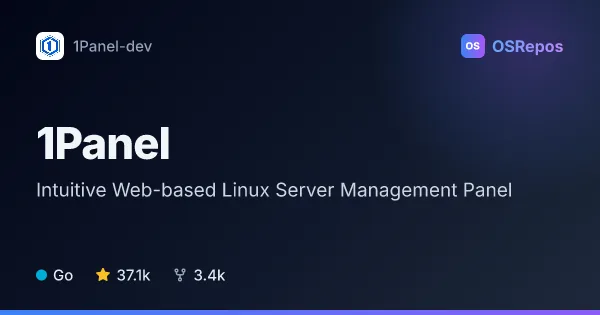
1Panel: Manage Linux Servers and AI Services
1Panel is a web-based control panel for managing Linux servers, containers, websites, databases, backups, and AI agents. It suits self-hosters and administrators who want a visual interface for common operations and app deployment.
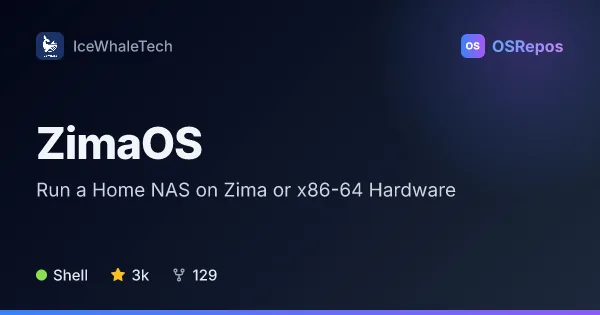
ZimaOS: Run a Home NAS on Zima or x86-64 Hardware
ZimaOS is a Buildroot-based NAS operating system evolved from CasaOS, with OTA updates and disk-management features. It targets Zima hardware and UEFI x86-64 systems, and is currently presented as a public evaluation program.
| 1Panel | ZimaOS | |
|---|---|---|
| Language | Go | Shell |
| License | GPL-3.0 | — |
| Stars | 37.1k | 3k |
| Forks | 3.4k | 129 |
| Last analyzed | Oct 3, 2026 | Oct 12, 2026 |
Key differences
- 1Panel covers host, file, database, container, website, backup, and AI-service management; ZimaOS focuses on storage, disk management, and running a home server.
- 1Panel is a Go application accessed through a web GUI; ZimaOS is a Shell-language, Buildroot-based operating system.
- 1Panel targets Linux servers and requires shell access for quick-start installation; ZimaOS targets Zima hardware and compatible UEFI x86-64 systems.
- 1Panel is licensed under GPL-3.0 and describes free OSS plus paid Pro and Ent editions; ZimaOS is presented as a public evaluation program.
- 1Panel suits self-hosters and administrators seeking a broad server control panel; ZimaOS suits home-server owners seeking a dedicated NAS operating system.
Choose 1Panel if you…
- need a browser-based panel for routine Linux server administration.
- want to manage websites, databases, containers, backups, or AI services alongside server apps.
- prefer deploying applications through a curated app store.
Choose ZimaOS if you…
- want a dedicated operating system for NAS and home-server tasks.
- use Zima hardware or a compatible UEFI x86-64 system.
- value OTA or offline updates and are comfortable evaluating a release.
Compare the numbers side by side, or add more projects
This comparison is generated with AI from the OSRepos analyses of both projects. Always check each project's repository and documentation before choosing.