open-slide vs univer
React slide creation compared with embeddable office editors
open-slide provides a React-based environment for creating, editing, and presenting slide decks, with a fixed 1920 × 1080 canvas. univer is a TypeScript SDK for embedding spreadsheet, document, and presentation editing in products, with browser and headless Node.js runtimes. The key difference is a focused, agent-oriented slide workflow versus a composable office-editor platform.
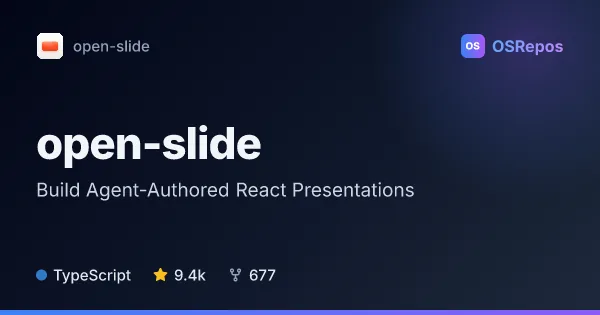
open-slide: Build Agent-Authored React Presentations
open-slide is a TypeScript framework built on React that turns coding-agent-written components into presentations on a fixed 1920 × 1080 canvas. It handles preview, navigation, presenting, and exports, so agents can focus on slide content.
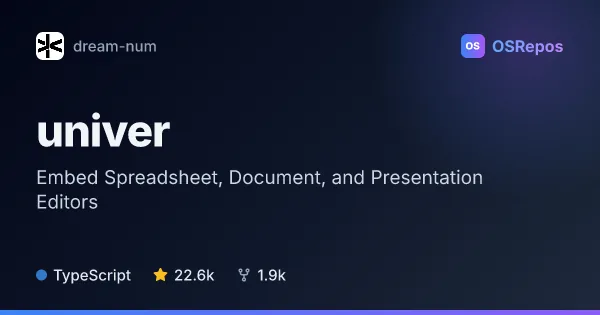
univer: Embed Spreadsheet, Document, and Presentation Editors
Univer is a TypeScript SDK for embedding customizable spreadsheet, document, and presentation experiences in browser products, with a Node.js headless runtime. Its plugin architecture and Facade API suit teams building productivity tools or agent workflows, though several advanced features require commercial Univer Pro packages.
| open-slide | univer | |
|---|---|---|
| Language | TypeScript | TypeScript |
| License | MIT | Apache-2.0 |
| Stars | 9.4k | 22.6k |
| Forks | 677 | 1.9k |
| Last analyzed | Oct 24, 2026 | Oct 14, 2026 |
Key differences
- open-slide focuses on creating and presenting slide decks; univer covers spreadsheets, documents, and presentations.
- open-slide uses React components on a fixed-size canvas without a slide-specific DSL; univer uses composable plugins, presets, and Facade APIs.
- open-slide includes an in-browser inspector for comments and agent-applied edits; univer supports programmatic office-content inspection and editing for AI workflows.
- open-slide exports decks to static HTML, PDF, and editable PowerPoint; many of univer’s advanced capabilities, including file import/export, are in commercial Univer Pro packages.
- open-slide is licensed under MIT, while univer’s open-source repository is licensed under Apache-2.0.
- open-slide is aimed at agent-assisted deck creation and presentation; univer is aimed at teams integrating office editing or processing into products and workflows.
Choose open-slide if you…
- want a React-based workflow for creating and presenting slide decks with coding agents.
- need a fixed 1920 × 1080 canvas, presenter mode, or slide-focused exports.
- prefer slide authoring without a custom slide-specific DSL.
Choose univer if you…
- need to embed spreadsheet, document, or presentation editing into a product.
- want browser editing alongside headless Node.js processing.
- need plugin composition or Facade APIs for office content and agent workflows.
Compare the numbers side by side, or add more projects
This comparison is generated with AI from the OSRepos analyses of both projects. Always check each project's repository and documentation before choosing.