open-slide vs frontend-slides
Agent-assisted slide creation compared
open-slide is a React and TypeScript framework for building, editing, and presenting slide decks, while frontend-slides guides a coding agent to create standalone HTML presentations. The main difference is that open-slide provides a reusable slide runtime, whereas frontend-slides focuses on an agent-led workflow and portable HTML output.
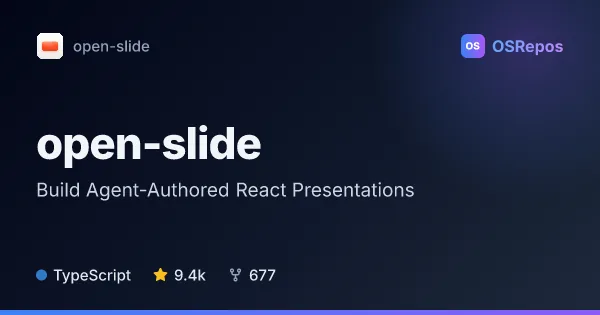
open-slide: Build Agent-Authored React Presentations
open-slide is a TypeScript framework built on React that turns coding-agent-written components into presentations on a fixed 1920 × 1080 canvas. It handles preview, navigation, presenting, and exports, so agents can focus on slide content.
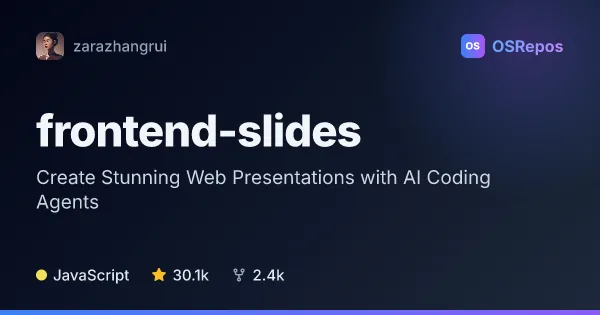
frontend-slides: Create HTML Presentations with a Coding Agent
Frontend Slides is an agent skill for building styled web presentations from a brief or an existing PowerPoint. It suits people who want to choose a visual direction without writing CSS, then customize or share the resulting HTML deck.
| open-slide | frontend-slides | |
|---|---|---|
| Language | TypeScript | JavaScript |
| License | MIT | MIT |
| Stars | 9.4k | 30.1k |
| Forks | 677 | 2.4k |
| Last analyzed | Oct 24, 2026 | Oct 3, 2026 |
Key differences
- open-slide renders React components in a fixed 1920 × 1080 canvas; frontend-slides generates standalone HTML with inline CSS and JavaScript for fixed 16:9 slides.
- open-slide includes a browser-based editor experience with slide management, comments, and presentation controls; frontend-slides uses visual style previews to guide deck generation.
- open-slide exports to static HTML, PDF, and editable PowerPoint; frontend-slides converts PowerPoint into HTML and provides scripts for PDF export and Vercel deployment.
- open-slide is written in TypeScript and React; frontend-slides is an agent skill whose project language is JavaScript.
- Both projects use the MIT license and are not archived. The supplied figures list 8.8k stars and 620 forks for open-slide, and 30.1k stars and 2.4k forks for frontend-slides.
- open-slide suits people who want a React-based deck environment; frontend-slides suits people who want an agent to generate or convert a portable HTML deck, with filesystem and shell access.
Choose open-slide if you…
- need React components and a fixed 1920 × 1080 slide canvas.
- want built-in navigation, presenter mode, speaker notes, or browser-based slide comments.
- need exports including editable PowerPoint files.
Choose frontend-slides if you…
- want a standalone HTML deck without an npm or build step.
- prefer choosing a visual style from previews rather than writing CSS directly.
- need to turn an existing PowerPoint into an HTML slideshow.
Compare the numbers side by side, or add more projects
This comparison is generated with AI from the OSRepos analyses of both projects. Always check each project's repository and documentation before choosing.