TaskSync vs spec-kitty
AI coding agent workflows compared
TaskSync and spec-kitty both help people coordinate AI coding agents while keeping humans involved. TaskSync focuses on agent prompts, feedback, and remote control, while spec-kitty organizes specifications, tasks, review, and merge state in Git.
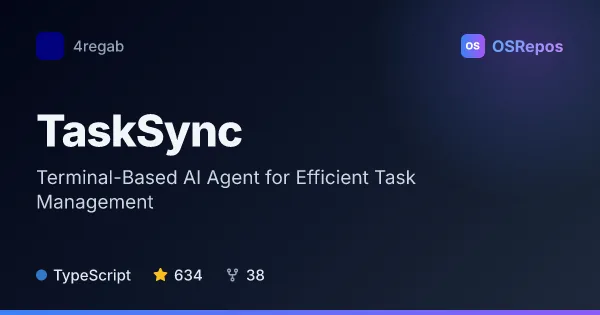
TaskSync: Coordinate AI Coding Agents With Human Feedback
TaskSync helps developers manage AI-assisted coding work through feedback loops, task queues, and autonomous agent workflows. It offers a VS Code extension, terminal prompts, and a separate MCP server option.
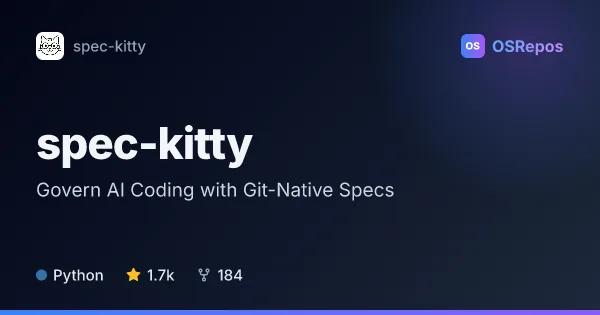
spec-kitty: Govern AI Coding with Git-Native Specs
Spec Kitty is a Python CLI for spec-driven development with AI coding agents. It keeps plans, work packages, reviews, and merge decisions in Git, and uses isolated worktrees to coordinate parallel implementation.
| TaskSync | spec-kitty | |
|---|---|---|
| Language | TypeScript | Python |
| License | MIT | MIT |
| Stars | 634 | 1.7k |
| Forks | 38 | 184 |
| Last analyzed | Oct 3, 2026 | Oct 21, 2026 |
Key differences
- TaskSync centers on a VS Code extension and terminal prompts; spec-kitty provides a Python CLI for repository-managed workflows.
- TaskSync supports queued feedback, customizable autopilot responses, and remote session control; spec-kitty guides work through specification, planning, review, acceptance, and merge.
- TaskSync can route work across agent sessions; spec-kitty uses isolated Git worktrees to support parallel implementation.
- TaskSync is written in TypeScript, while spec-kitty is written in Python; both use the MIT license.
- TaskSync is marked archived, while spec-kitty is not archived and identifies its main branch as a 4.x release-candidate line.
- TaskSync is suited to developers managing ongoing agent interactions, while spec-kitty is aimed at teams seeking repeatable, traceable workflows and may be excessive for one-off changes.
Choose TaskSync if you…
- want a VS Code or terminal workflow for queuing tasks and feedback to coding agents.
- need to monitor or control a development session remotely over LAN or Tailscale.
- want to manage agent sessions with multi-session routing or a single-session lane.
Choose spec-kitty if you…
- need specifications, tasks, and workflow state kept alongside code in Git.
- want to coordinate parallel agent work in isolated Git worktrees with review and merge gates.
- are establishing repeatable AI-assisted development practices for a team.
Compare the numbers side by side, or add more projects
This comparison is generated with AI from the OSRepos analyses of both projects. Always check each project's repository and documentation before choosing.