goose vs lightclaw
Rust AI agents compared
goose and lightclaw are Rust-based AI agents that connect to language-model providers and can take actions through tools. goose offers desktop, CLI, and API access across a broad range of workflows, while lightclaw focuses on a single-binary assistant with local memory and Telegram or Discord interfaces.
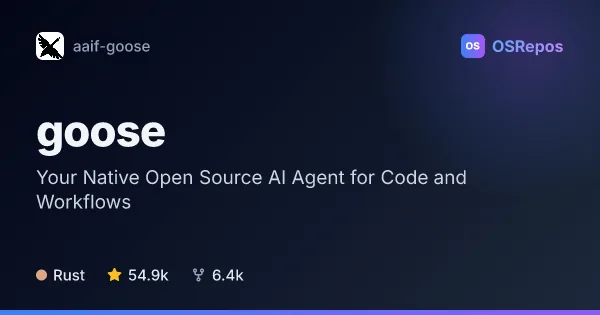
goose: Run an Extensible AI Agent on Your Machine
goose is a Rust-based AI agent available as a desktop app, CLI, and API. It connects to multiple LLM providers and MCP extensions, making it useful for code work as well as research, writing, automation, and data analysis.
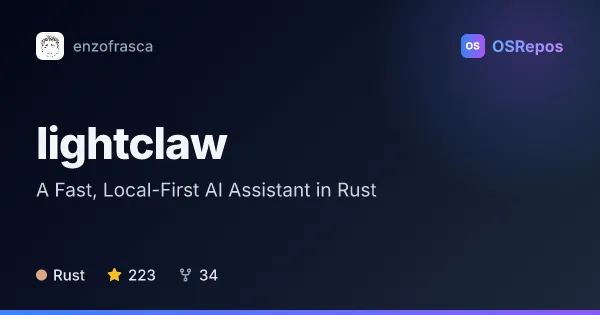
lightclaw: Run a Lightweight Local-First AI Assistant
LightClaw is a Rust-based AI assistant packaged as a single binary, with tools, local memory, and Telegram and Discord interfaces. It suits users who want an agent they can run without a Python runtime or external vector database.
| goose | lightclaw | |
|---|---|---|
| Language | Rust | Rust |
| License | Apache-2.0 | — |
| Stars | 54.9k | 223 |
| Forks | 6.4k | 34 |
| Last analyzed | Oct 3, 2026 | Oct 3, 2026 |
Key differences
- goose offers a desktop app, CLI, and API; lightclaw is distributed as a single binary and supports background service operations.
- goose connects to more than 15 model providers and more than 70 MCP extensions; lightclaw provides configured providers with model fallbacks and OpenClaw-style skills.
- goose targets coding as well as research, writing, automation, and data analysis; lightclaw emphasizes a personal assistant with file, shell, web, and scheduling tools.
- goose supports desktop installations on macOS, Linux, and Windows; lightclaw is oriented toward Linux and Mac, with Windows support described as less stable.
- lightclaw stores assistant memory locally in SQLite; goose's overview emphasizes configurable MCP extensions and does not describe a memory approach.
- goose reports 54.9k stars and an Apache-2.0 license; lightclaw reports 223 stars and was created in February 2026.
Choose goose if you…
- need a desktop app, CLI, or API for agent workflows.
- want to connect a choice of many model providers and MCP extensions.
- plan to use an agent for coding alongside research, writing, or automation.
Choose lightclaw if you…
- want a single-binary assistant without a Python runtime.
- prefer interacting through Telegram or Discord or running a background service.
- want assistant memory stored locally in SQLite and tools for files, shell commands, web access, or scheduling.
Compare the numbers side by side, or add more projects
This comparison is generated with AI from the OSRepos analyses of both projects. Always check each project's repository and documentation before choosing.