opendia vs brightdata-mcp
Browser-connected AI tools compared
opendia and brightdata-mcp both connect MCP-compatible AI clients to web capabilities. opendia focuses on controlling your existing browser sessions locally, while brightdata-mcp provides web search, scraping, structured data extraction, and remote browser automation through Bright Data services.
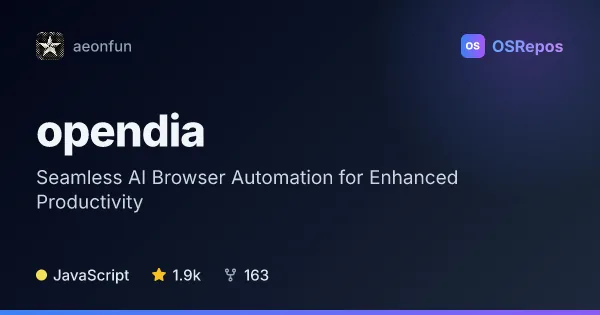
opendia: Connect AI Models to Your Browser
OpenDia is an MCP server and browser extension that lets compatible AI clients inspect and control your existing browser. It suits people who want local browser automation across their logged-in sessions, tabs, and pages.
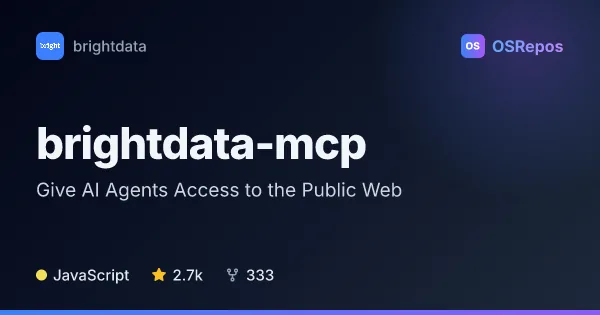
brightdata-mcp: Give AI Agents Access to the Public Web
Bright Data MCP is a Model Context Protocol server for AI agents and compatible clients, built on Bright Data’s web data and unblocking services. It combines web search, scraping, structured extraction, and remote browser automation through a hosted endpoint or local Node.js server.
| opendia | brightdata-mcp | |
|---|---|---|
| Language | JavaScript | JavaScript |
| License | MIT | MIT |
| Stars | 1.9k | 2.7k |
| Forks | 163 | 333 |
| Last analyzed | Oct 3, 2026 | Oct 20, 2026 |
Key differences
- opendia works with pages, tabs, bookmarks, and history in your existing browser; brightdata-mcp focuses on collecting public-web data through search, scraping, and platform-specific extraction.
- opendia uses a browser extension and local server by default, with optional ngrok tunneling; brightdata-mcp can run locally or use a hosted endpoint backed by Bright Data infrastructure.
- opendia supports Chrome, Firefox, and Chromium-based browsers; brightdata-mcp offers remote browser automation as one part of a broader data-access toolkit.
- opendia is suited to workflows involving logged-in sessions and local web-app testing; brightdata-mcp targets current public-web research and structured collection across supported sources.
- Both projects use JavaScript and the MIT license; brightdata-mcp has 2.7k stars and 331 forks, compared with opendia's 1.9k stars and 163 forks.
Choose opendia if you…
- want an AI client to interact with pages and tabs in your existing browser sessions.
- need local browser-based workflows such as testing forms or using bookmarks and history.
- prefer local operation by default, with remote access available through an optional tunnel.
Choose brightdata-mcp if you…
- need web search, scraping, or structured extraction from supported public-web sources.
- want remote browser automation alongside broader web-data tools.
- can use a Bright Data account and API token, and want its hosted services to handle the underlying infrastructure.
Compare the numbers side by side, or add more projects
This comparison is generated with AI from the OSRepos analyses of both projects. Always check each project's repository and documentation before choosing.