opendia vs OpenWebAgent
Browser automation projects compared
opendia connects MCP-compatible AI clients to your existing browser through a local server and extension. OpenWebAgent provides a configurable extension and server for developers building model-based web agents, with a workflow centered on user intent, action history, and parsed HTML.
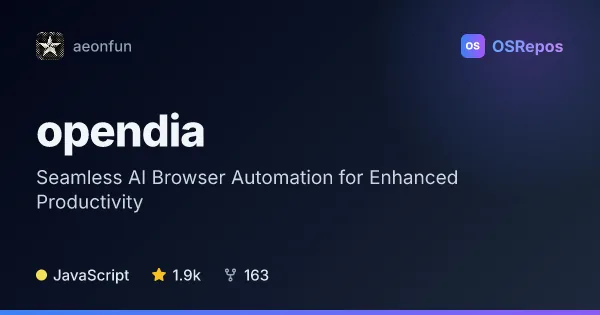
opendia: Connect AI Models to Your Browser
OpenDia is an MCP server and browser extension that lets compatible AI clients inspect and control your existing browser. It suits people who want local browser automation across their logged-in sessions, tabs, and pages.
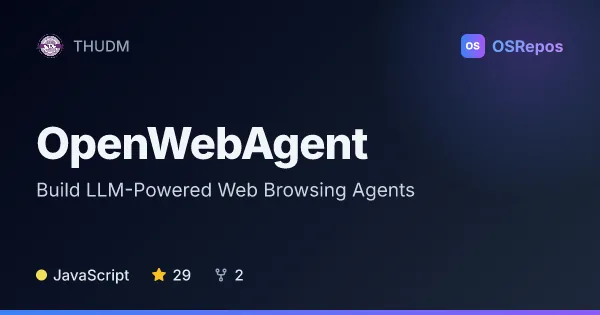
OpenWebAgent: Build LLM-Powered Web Browsing Agents
OpenWebAgent combines a Chrome extension with a configurable server to let LLM-based agents interpret webpages and take actions. It suits developers prototyping browser agents who can operate and maintain the server stack themselves.
| opendia | OpenWebAgent | |
|---|---|---|
| Language | JavaScript | JavaScript |
| License | MIT | — |
| Stars | 1.9k | 29 |
| Forks | 163 | 2 |
| Last analyzed | Oct 3, 2026 | Oct 12, 2026 |
Key differences
- opendia is designed for AI-assisted use of existing browser sessions, tabs, bookmarks, and history; OpenWebAgent focuses on building or adapting web agents.
- opendia exposes browser actions through MCP, while OpenWebAgent pairs its extension with a configurable model backend and an HTML-processing workflow.
- opendia describes support for Chrome, Firefox, and other Chromium-based browsers; OpenWebAgent describes a Chrome extension.
- opendia operates locally by default and offers optional ngrok tunneling; OpenWebAgent requires server setup with a model provider, API credentials, and MongoDB or local data storage.
- Both projects use JavaScript and are not archived. opendia is MIT-licensed and has 1.9k stars and 163 forks; OpenWebAgent has 29 stars and 2 forks.
- opendia targets people adding browser interaction to compatible AI clients; OpenWebAgent targets developers and researchers configuring web agents and model workflows.
Choose opendia if you…
- want an MCP-compatible AI client to inspect and control your existing browser sessions.
- need browser actions such as page inspection, form entry, tab management, or access to bookmarks and history.
- prefer local browser automation, with optional tunneling for remote clients.
Choose OpenWebAgent if you…
- want to build or adapt a web agent around a selected model backend.
- need a workflow that combines user intent, prior actions, and parsed HTML.
- are prepared to configure the server, model credentials, and data storage.
Compare the numbers side by side, or add more projects
This comparison is generated with AI from the OSRepos analyses of both projects. Always check each project's repository and documentation before choosing.