textrix vs BlockNote
Rich-text editing projects compared
textrix combines a ProseMirror-based writing editor with article publishing and static HTML output. BlockNote is a React-focused, block-based editor with built-in editing interactions; the main distinction is publishing workflow versus block-oriented editing UI.
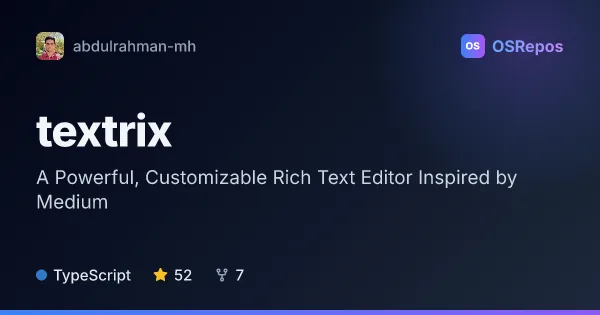
textrix: Create and Publish Rich-Text Articles
Textrix is a ProseMirror-based publishing editor for building Medium-style writing experiences. It combines editing and publishing, with static HTML output and support for framework-based or vanilla JavaScript apps.
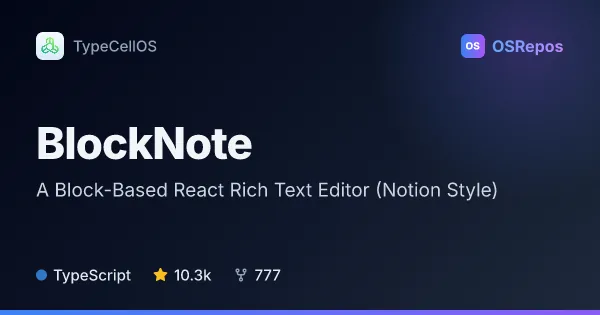
BlockNote: Build Block-Based Rich Text Editors for React
BlockNote is an extensible, block-based rich text editor for React, built on ProseMirror and Tiptap. It suits teams adding a polished editing experience to an app, with support for nested blocks, menus, drag-and-drop, and real-time collaboration.
| textrix | BlockNote | |
|---|---|---|
| Language | TypeScript | TypeScript |
| License | MIT | NOASSERTION |
| Stars | 52 | 10.3k |
| Forks | 7 | 777 |
| Last analyzed | Oct 3, 2026 | Oct 3, 2026 |
Key differences
- textrix combines article creation and publishing, while BlockNote focuses on providing an editor UI for apps.
- textrix supports React, Vue, Svelte, and vanilla JavaScript; BlockNote is designed for React applications.
- textrix can generate static HTML for article display, while BlockNote emphasizes nested blocks, menus, and drag-and-drop editing.
- Both support real-time collaboration and are built on ProseMirror; BlockNote also uses Tiptap.
- textrix is listed under the MIT license, while BlockNote's repository metadata says NOASSERTION and its package terms should be reviewed.
- BlockNote has 10.3k stars and 777 forks, compared with textrix at 52 stars and 7 forks.
Choose textrix if you…
- need an editor and article-publishing workflow together.
- want static HTML output for published articles.
- are integrating with Vue, Svelte, or vanilla JavaScript as well as React.
Choose BlockNote if you…
- are building a React application and want a block-based editor UI.
- need nested blocks, drag-and-drop, and menus for editing interactions.
- want real-time collaboration in a React-focused editor.
Compare the numbers side by side, or add more projects
This comparison is generated with AI from the OSRepos analyses of both projects. Always check each project's repository and documentation before choosing.