agent-skills vs skills
Engineering workflows for coding agents compared
agent-skills and skills provide reusable instructions that guide coding agents through engineering work. agent-skills offers a broader lifecycle framework with checkpoints and verification, while skills focuses on composable practices developers can adopt without an end-to-end process.
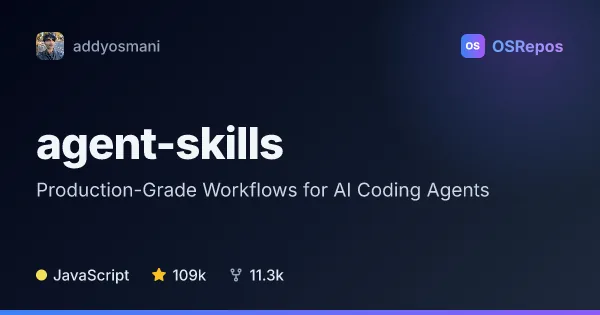
agent-skills: Production-Grade Workflows for AI Coding Agents
A portable pack of Markdown engineering skills that helps AI coding agents follow senior-engineer workflows from scoping through shipping. It supports a range of agents, including Claude Code, Cursor, Codex, Copilot, and Gemini CLI.
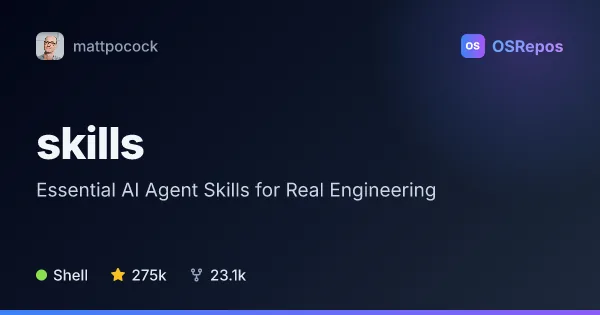
skills: Apply Engineering Workflows to Coding Agents
A collection of composable agent skills that brings engineering practices such as requirements clarification, TDD, debugging, and code design into coding-agent workflows. It suits developers who want to guide agents without adopting an end-to-end process framework.
| agent-skills | skills | |
|---|---|---|
| Language | JavaScript | Shell |
| License | MIT | MIT |
| Stars | 109k | 275k |
| Forks | 11.3k | 23.1k |
| Last analyzed | Oct 20, 2026 | Oct 3, 2026 |
Key differences
- agent-skills covers the lifecycle from requirements and planning through testing, review, and release; skills emphasizes adaptable practices such as TDD, debugging, and design.
- agent-skills includes 25 skills, nine slash commands, four specialist personas, and shared checklists; skills includes workflows for documentation, tickets, handoffs, and teaching.
- agent-skills supports multiple agent tools through native integrations or portable Markdown files; skills offers a managed Claude Code plugin or editable files via the skills installer.
- agent-skills is described as JavaScript, while skills is described as Shell.
- Both projects use the MIT license. The supplied figures list 101k stars and 10.6k forks for agent-skills, and 275k stars and 23.1k forks for skills.
Choose agent-skills if you…
- need structured workflows across the development lifecycle, including release.
- want checkpoints, verification requirements, specialist personas, and shared checklists.
- need workflows designed to work across multiple coding-agent tools.
Choose skills if you…
- want to adopt focused practices without an end-to-end process framework.
- need guidance for TDD, systematic debugging, project vocabulary, or design decisions.
- want skills as a managed Claude Code plugin or editable project files through the installer.
Compare the numbers side by side, or add more projects
This comparison is generated with AI from the OSRepos analyses of both projects. Always check each project's repository and documentation before choosing.