chatbang vs zero
Terminal-based ChatGPT access and coding agents compared
chatbang gives terminal access to ChatGPT through a Chromium browser session and does not require an API key. zero is a repository-focused coding agent that can edit files and run commands, with interactive and scriptable modes and support for hosted or local models.
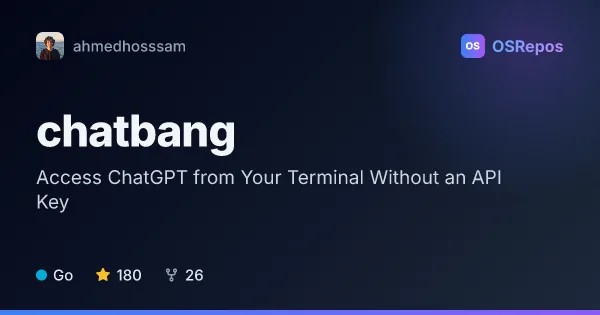
chatbang: Access ChatGPT from the Terminal
Chatbang is a Go CLI that provides terminal access to ChatGPT without requiring an API key. It uses a Chromium browser session, so it suits users who prefer a terminal interface and already have a compatible browser installed.
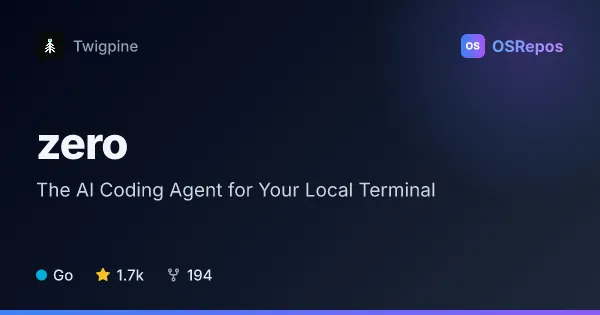
zero: Run a Local Terminal Coding Agent
Zero is a Go-based terminal coding agent that can inspect and edit repositories, run commands, and work with many hosted or local models. It suits developers who want scriptable coding assistance with local sessions and explicit controls over side effects.
| chatbang | zero | |
|---|---|---|
| Language | Go | Go |
| License | MIT | MIT |
| Stars | 180 | 1.7k |
| Forks | 26 | 194 |
| Last analyzed | Oct 3, 2026 | Oct 3, 2026 |
Key differences
- chatbang uses a logged-in ChatGPT browser session; zero connects to configured hosted providers, local model services, or compatible endpoints.
- chatbang focuses on starting ChatGPT interactions from the terminal; zero can inspect and edit repositories, run commands, and manage coding sessions.
- chatbang requires a Chromium-based browser, a ChatGPT login, and clipboard permission; zero uses configurable permission and sandbox controls for actions such as file writes and shell commands.
- zero offers an interactive TUI and headless `zero exec` with structured I/O options; chatbang provides a terminal command for interacting with ChatGPT.
- Both projects are written in Go and use the MIT license. Their reported popularity differs: chatbang has 180 stars and 26 forks, while zero has 1.7k stars and 194 forks.
Choose chatbang if you…
- want terminal access to ChatGPT using an existing browser login rather than an API key.
- prefer a focused CLI and already have a compatible Chromium-based browser installed.
- want to try a small Go-based command-line interface for ChatGPT.
Choose zero if you…
- need an agent that can inspect and edit repositories or run commands.
- want to use hosted or local models and configure permissions for tool actions.
- need interactive coding sessions or scriptable tasks through a headless command.
This comparison is generated with AI from the OSRepos analyses of both projects. Always check each project's repository and documentation before choosing.