chatbang vs Noi
Terminal ChatGPT access and an AI desktop workspace compared
chatbang provides terminal access to ChatGPT through a Chromium browser session, without requiring an API key. Noi is a desktop workspace for organizing AI chats, prompts, and local tools, with multiple sessions and a built-in terminal.
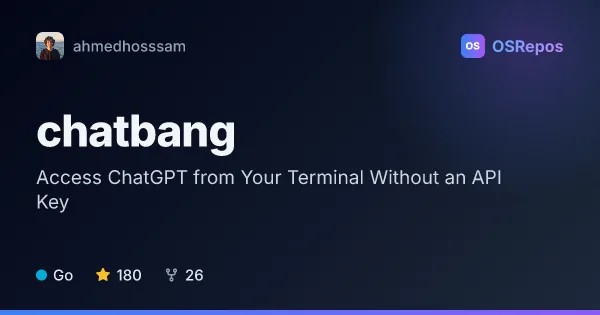
chatbang: Access ChatGPT from the Terminal
Chatbang is a Go CLI that provides terminal access to ChatGPT without requiring an API key. It uses a Chromium browser session, so it suits users who prefer a terminal interface and already have a compatible browser installed.
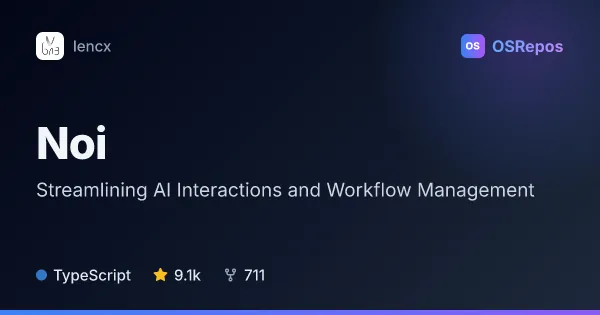
Noi: Organize AI Chats in a Desktop Workspace
Noi is a desktop workspace for bringing AI chat workflows, prompts, and local tools into a more focused browsing setup. It suits people who switch between AI assistants and want separate sessions, reusable prompts, and local-first settings.
| chatbang | Noi | |
|---|---|---|
| Language | Go | TypeScript |
| License | MIT | — |
| Stars | 180 | 9.1k |
| Forks | 26 | 711 |
| Last analyzed | Oct 3, 2026 | Oct 3, 2026 |
Key differences
- chatbang focuses on starting ChatGPT interactions from the terminal, while Noi organizes multiple AI chat workflows in a desktop workspace.
- chatbang uses a logged-in Chromium browser session and requires clipboard permission; Noi keeps history, prompts, and settings locally.
- chatbang is written in Go and has an MIT license; Noi is written in TypeScript.
- chatbang is suited to users who want to use an existing ChatGPT login without API-key setup; Noi supports workflows across AI assistants and separate work contexts.
- chatbang documents Linux binary installation and browser requirements; Noi links to releases and includes a CLI for control from tools such as Claude Code, Codex, and Gemini CLI.
- Both projects are unarchived. chatbang has 180 stars and 26 forks, while Noi has 9.1k stars and 711 forks.
Choose chatbang if you…
- want terminal access to ChatGPT without configuring an API key.
- already use a compatible Chromium browser and ChatGPT login.
- prefer a small Go-based CLI and can meet its browser and clipboard requirements.
Choose Noi if you…
- want a desktop workspace for organizing chats across AI assistants.
- need separate sessions, reusable prompts, and locally stored history and settings.
- want a built-in terminal or CLI control from Claude Code, Codex, or Gemini CLI.
Compare the numbers side by side, or add more projects
This comparison is generated with AI from the OSRepos analyses of both projects. Always check each project's repository and documentation before choosing.