actions vs run-gemini-cli
GitHub Actions agents compared
actions and run-gemini-cli run AI agents within GitHub Actions for repository reviews and tasks. actions launches configurable Outfitter profiles with several supported harnesses, while run-gemini-cli focuses on Gemini CLI and its authentication options.
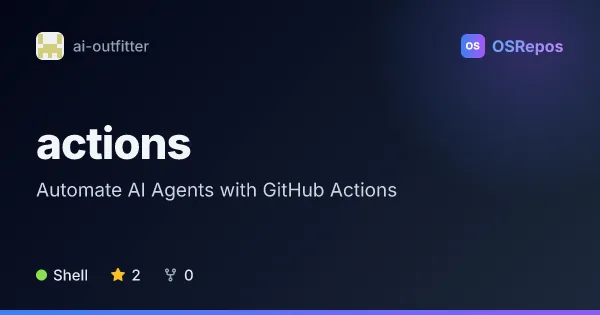
actions: Run Outfitter Agents in GitHub Actions
Run an Outfitter profile as a headless agent job in GitHub Actions. Use it to automate reviews or repository tasks on schedules and events, with configurable harnesses, permissions, browser access, and session transcripts.
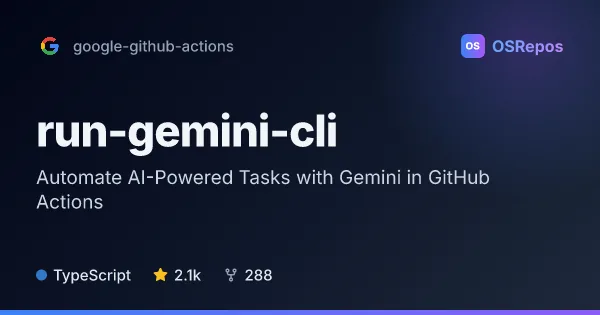
run-gemini-cli: Run Gemini CLI in GitHub Actions
run-gemini-cli brings Gemini CLI into GitHub Actions for automated coding tasks and on-demand help in issues and pull requests. It suits teams that want AI-assisted reviews, triage, or repository changes within their existing workflows.
| actions | run-gemini-cli | |
|---|---|---|
| Language | Shell | TypeScript |
| License | MIT | Apache-2.0 |
| Stars | 2 | 2.1k |
| Forks | 0 | 288 |
| Last analyzed | Oct 4, 2026 | Oct 3, 2026 |
Key differences
- actions supports pi, claude, and codex harnesses; run-gemini-cli runs Gemini CLI.
- actions relies on an Outfitter profile or catalog that teams configure, while run-gemini-cli offers inputs for configuring the prompt, model, CLI version, settings, and extensions.
- run-gemini-cli supports requests through @gemini-cli issue or pull request comments; actions supports selection through workflow inputs, labels, or a catalog default.
- actions is written in Shell and licensed under MIT; run-gemini-cli is written in TypeScript and licensed under Apache-2.0.
- run-gemini-cli has 2.1k stars and 288 forks, compared with 2 stars and 0 forks for actions.
Choose actions if you…
- need to run Outfitter profiles with pi, claude, or codex in GitHub Actions.
- want workflow examples for scheduled, path-based, assignment, or manually dispatched tasks.
- need optional Chromium access or HTML session transcript artifacts for pi runs.
Choose run-gemini-cli if you…
- want to run Gemini CLI in GitHub Actions.
- need authentication options including Gemini API, Google Cloud, Vertex AI, or Gemini Code Assist.
- want to request assistance by mentioning @gemini-cli in issue or pull request comments.
Compare the numbers side by side, or add more projects
This comparison is generated with AI from the OSRepos analyses of both projects. Always check each project's repository and documentation before choosing.