gpt-engineer vs ditto
AI code-generation tools compared
gpt-engineer is a Python CLI for generating code from specifications and improving existing projects, while ditto generates multi-file Flask apps through a local browser interface. gpt-engineer supports broader experimentation with prompts, models, and benchmarks; ditto focuses on trying out a Flask app idea.
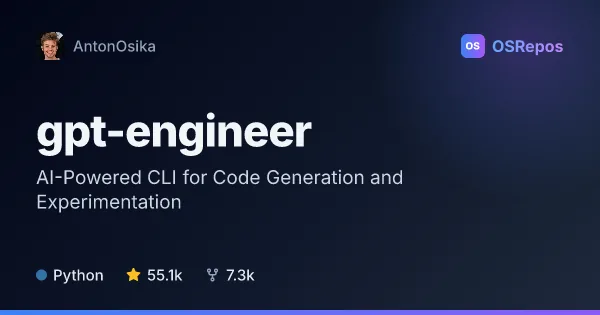
gpt-engineer: Generate and Improve Code from Natural Language
gpt-engineer is a Python CLI for turning natural-language specifications into code and iterating on existing projects with AI. It suits developers experimenting with code-generation agents who want a hackable local workflow.
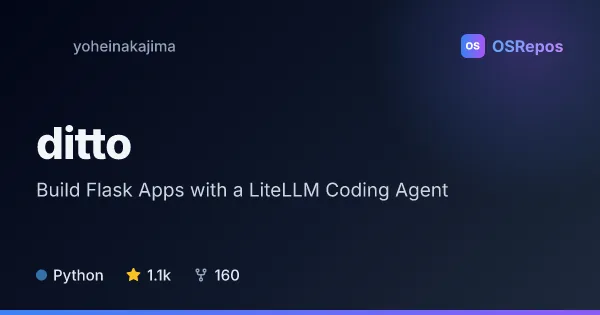
ditto: Build Flask Apps with a LiteLLM Coding Agent
Ditto uses a simple LiteLLM-powered agent loop to turn natural-language descriptions into multi-file Flask applications through a local web interface. It is an exploratory tool for people who want to prototype web apps without writing every file by hand.
| gpt-engineer | ditto | |
|---|---|---|
| Language | Python | Python |
| License | MIT | MIT |
| Stars | 55.1k | 1.1k |
| Forks | 7.3k | 160 |
| Last analyzed | Oct 3, 2026 | Oct 24, 2026 |
Key differences
- gpt-engineer can generate code or modify an existing codebase, while ditto targets new Flask applications with routes, templates, and static files.
- gpt-engineer runs from a terminal, Docker, or GitHub Codespaces; ditto provides a local web interface served on port 8080.
- gpt-engineer supports OpenAI, Azure OpenAI, Anthropic, and configured open-source or local models; ditto uses LiteLLM and requires an OpenAI API key to run.
- gpt-engineer includes benchmarking for custom agents against APPS and MBPP; ditto centers on generating and rerunning a Flask app.
- Both are Python and MIT-licensed, but gpt-engineer is archived, while ditto is not archived but has had no commits in over a year.
- gpt-engineer is aimed at developers experimenting with coding agents, while ditto is aimed at people exploring how an app idea could become a runnable Flask project.
Choose gpt-engineer if you…
- want a CLI for generating code or making targeted changes to an existing project.
- need to experiment with prompts, pre-prompts, image inputs, or custom agent benchmarks.
- want provider options that include Anthropic, Azure OpenAI, or configured local models.
Choose ditto if you…
- want to explore a natural-language idea as a multi-file Flask application.
- prefer a browser interface for submitting requests and monitoring generation.
- want a focused example of an LLM agent loop that generates routes, templates, and static files.
Compare the numbers side by side, or add more projects
This comparison is generated with AI from the OSRepos analyses of both projects. Always check each project's repository and documentation before choosing.