keybr.com vs qwerty-learner
Typing tutors for adaptive practice and vocabulary learning
keybr.com and qwerty-learner both use typing practice to build skills, but focus on different goals. keybr.com adapts drills to typing performance, while qwerty-learner combines English vocabulary study with typing.
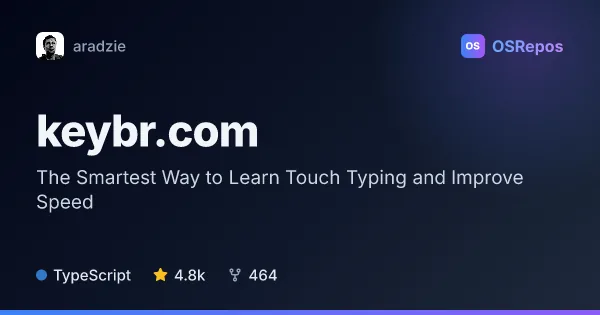
keybr.com: Learn Touch Typing With Adaptive Lessons
keybr.com is a typing tutor that uses per-key performance data to generate lessons around your weaker keys. It suits learners who want structured practice, progress tracking, and a target speed to work toward.
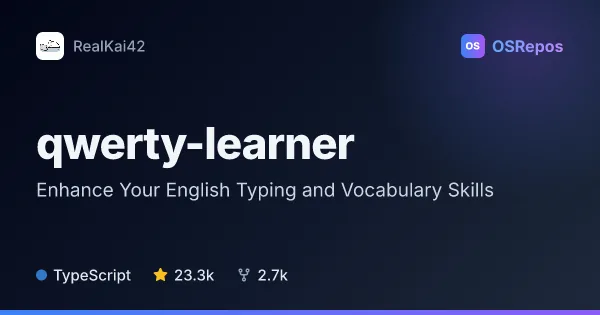
qwerty-learner: Learn Vocabulary Through Typing Practice
Qwerty Learner combines vocabulary study with English typing drills, helping keyboard users build word recall and accurate typing muscle memory. It includes study lists for exams, general English, and programming-related terms and APIs.
| keybr.com | qwerty-learner | |
|---|---|---|
| Language | TypeScript | TypeScript |
| License | AGPL-3.0 | GPL-3.0 |
| Stars | 4.8k | 23.3k |
| Forks | 464 | 2.7k |
| Last analyzed | Oct 3, 2026 | Oct 3, 2026 |
Key differences
- keybr.com tracks performance by key and targets weaker keys; qwerty-learner has learners type vocabulary and retry incorrect entries.
- keybr.com supports general touch-typing goals, including a target speed; qwerty-learner focuses on English word recall, exam lists, and technical vocabulary.
- keybr.com gradually introduces letters as learners reach speed targets; qwerty-learner offers chapter dictation, phonetics, and audio pronunciations.
- keybr.com is licensed under AGPL-3.0; qwerty-learner is licensed under GPL-3.0.
- keybr.com links to a local setup guide; qwerty-learner documents Node.js, Git, and Yarn requirements and describes platform-specific setup scripts.
- Both projects use TypeScript and are not archived; qwerty-learner has more stars and forks in the supplied figures.
Choose keybr.com if you…
- want adaptive lessons focused on keys you find difficult.
- need progress tracking toward a typing-speed target.
- are learning touch typing or refining general typing accuracy.
Choose qwerty-learner if you…
- want to study English vocabulary through typing practice.
- need word lists for exams or programming-related terms and APIs.
- want pronunciation support, retries for mistakes, or chapter dictation.
Compare the numbers side by side, or add more projects
This comparison is generated with AI from the OSRepos analyses of both projects. Always check each project's repository and documentation before choosing.