pyautogui vs open-codex-computer-use
Desktop automation tools compared
pyautogui and open-codex-computer-use both automate desktop interfaces across Windows, macOS, and Linux. pyautogui is a Python library for direct mouse, keyboard, and screenshot-based actions, while open-codex-computer-use provides computer-use tools through MCP, a CLI, and JavaScript automation.
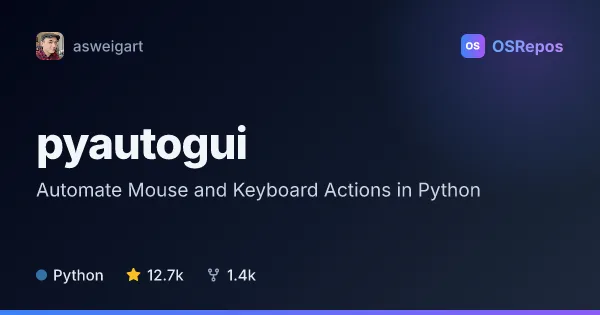
pyautogui: Automate Mouse and Keyboard Actions in Python
PyAutoGUI lets Python scripts control the mouse and keyboard, show message boxes, and take or search screenshots across Windows, macOS, and Linux. It suits desktop workflows that can run on the primary monitor, but its development is currently inactive.
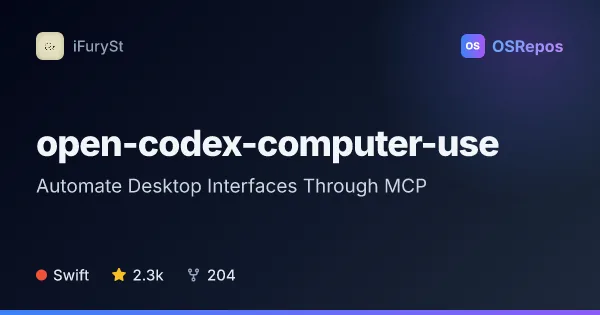
open-codex-computer-use: Automate Desktop Interfaces Through MCP
open-codex-computer-use exposes desktop automation as an MCP service that AI agents and compatible clients can use on macOS, Linux, and Windows. It is useful when an agent needs to interact with desktop apps through accessibility-based controls.
| pyautogui | open-codex-computer-use | |
|---|---|---|
| Language | Python | Swift |
| License | BSD-3-Clause | MIT |
| Stars | 12.7k | 2.3k |
| Forks | 1.4k | 204 |
| Last analyzed | Oct 9, 2026 | Oct 5, 2026 |
Key differences
- pyautogui is a Python library for scripting desktop actions; open-codex-computer-use exposes computer-use actions as an MCP service for compatible agents and clients.
- pyautogui offers mouse and keyboard control, dialogs, screenshots, and image matching; open-codex-computer-use provides MCP tools, CLI sequences, and JavaScript automation.
- pyautogui is written in Python and licensed under BSD-3-Clause; open-codex-computer-use is written in Swift and licensed under MIT.
- pyautogui targets graphical workflows that can run on the primary monitor; open-codex-computer-use emphasizes accessibility-based controls and agent connections.
- pyautogui is marked inactive, with no commits or releases in over a year; open-codex-computer-use's supplied details describe installation and runtime requirements without an activity status.
- pyautogui's platform setup includes dependencies such as PyObjC on macOS and Xlib on Linux; open-codex-computer-use requires macOS 14 or later and specific permissions on macOS, plus Node.js 18 or newer for its npm launcher.
Choose pyautogui if you…
- need a Python library for direct mouse, keyboard, dialog, and screenshot actions.
- want to automate a graphical application without relying on an application-specific API.
- need image matching to locate visible controls before acting, and can work within primary-monitor limitations.
Choose open-codex-computer-use if you…
- want to connect an MCP-compatible agent such as Codex, Claude Code, Gemini CLI, or opencode to desktop apps.
- need CLI sequences or JavaScript-based desktop automation with a terminal REPL.
- want to try a shared computer-use interface across macOS, Linux, and Windows.
Compare the numbers side by side, or add more projects
This comparison is generated with AI from the OSRepos analyses of both projects. Always check each project's repository and documentation before choosing.