aidlc-workflows vs gsd-pi
AI-assisted software delivery workflows compared
aidlc-workflows provides a harness-neutral workflow system that guides coding assistants through software delivery stages, approvals, and review evidence. gsd-pi is a local-first command-line coding agent that plans and executes work in milestones, using Git worktrees and local project records.
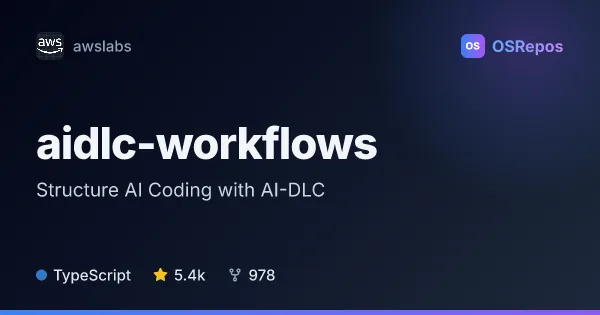
aidlc-workflows: Structure AI Coding with AI-DLC
AI-DLC is a harness-neutral workflow system that structures AI-assisted software delivery across Claude Code, Kiro, Codex, Cursor, opencode, and GitHub Copilot. It guides coding agents through decisions, implementation, review, and approval gates.
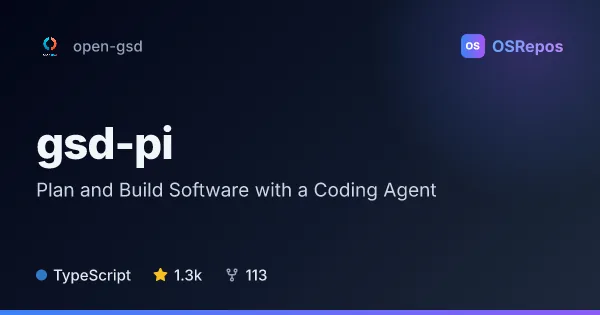
gsd-pi: Plan and Build Software with a Coding Agent
GSD Pi is a local-first, TypeScript coding agent for planning, implementing, verifying, and tracking project work from the command line. It adds milestone-based workflows, Git worktree automation, and project memory to autonomous coding sessions.
| aidlc-workflows | gsd-pi | |
|---|---|---|
| Language | TypeScript | TypeScript |
| License | MIT-0 | MIT |
| Stars | 5.4k | 1.3k |
| Forks | 978 | 113 |
| Last analyzed | Oct 20, 2026 | Oct 28, 2026 |
Key differences
- aidlc-workflows coordinates workflows across several coding-agent harnesses, while gsd-pi is a coding agent with terminal and web interfaces.
- aidlc-workflows organizes delivery into five phases, 33 stages, and 11 workflow profiles; gsd-pi structures projects as milestones, slices, and tasks.
- aidlc-workflows emphasizes approval gates, review evidence, and an audit trail; gsd-pi records requirements, decisions, and validation evidence under `.gsd/`.
- aidlc-workflows is licensed under MIT-0, while gsd-pi uses the MIT license.
- aidlc-workflows lists Node.js and Python 3.12 or later for development; gsd-pi requires Node.js 22.18.0 or later and Docker.
- aidlc-workflows reports 5.4k stars and 978 forks; gsd-pi reports 1.3k stars and 113 forks, with contributor activity described as highly concentrated.
Choose aidlc-workflows if you…
- need one workflow methodology across multiple coding-agent harnesses.
- want defined delivery stages with human approval gates and recorded review evidence.
- need workflow profiles for work such as features, bug fixes, infrastructure, or security.
Choose gsd-pi if you…
- want a local-first command-line agent to plan, implement, and verify milestone-based work.
- need implementation isolated in Git worktrees while keeping the main checkout available for review.
- want local project records and options for scripted quick tasks or a web interface.
Compare the numbers side by side, or add more projects
This comparison is generated with AI from the OSRepos analyses of both projects. Always check each project's repository and documentation before choosing.