paper2gui vs voicebox
Desktop AI tools compared: task-focused apps vs. voice studio
paper2gui packages AI models into desktop apps for a range of tasks, including image and video processing and speech synthesis. voicebox focuses on speech generation, voice cloning, dictation, and integrations in a local-first desktop studio.
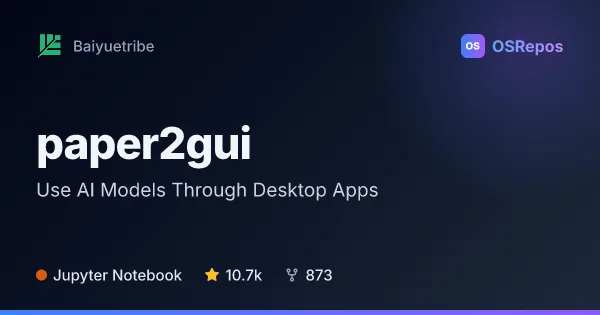
paper2gui: Use AI Models Through Desktop Apps
paper2gui packages AI models for tasks such as image generation, speech synthesis, video enhancement, and OCR into desktop apps for Windows, macOS, and Linux. It suits people who want ready-to-use tools instead of assembling model pipelines themselves.
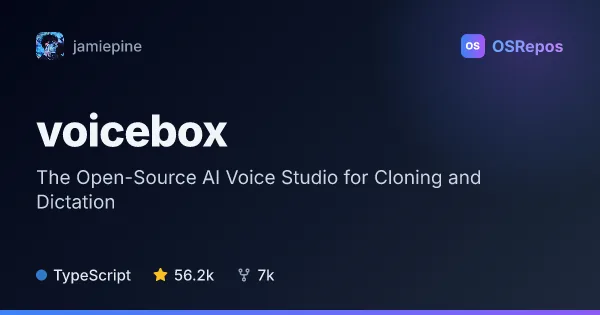
voicebox: Create and Use AI Voices Locally
Voicebox is a desktop voice studio for local speech generation, voice cloning, dictation, and agent audio. It suits creators and developers who want voice tools and integrations on their own machine, with hardware and platform capabilities varying by setup.
| paper2gui | voicebox | |
|---|---|---|
| Language | Jupyter Notebook | TypeScript |
| License | MIT | MIT |
| Stars | 10.7k | 56.2k |
| Forks | 873 | 7k |
| Last analyzed | Oct 11, 2026 | Oct 3, 2026 |
Key differences
- paper2gui covers varied AI tasks through separate utilities, while voicebox centers on voice creation and input in one studio.
- paper2gui lists downloads for Windows, macOS, and Linux for its main toolbox, with availability varying by app; voicebox lists pre-built downloads for macOS and Windows, with Linux users directed to build from source.
- paper2gui identifies Jupyter Notebook as its language, while voicebox identifies TypeScript and combines a desktop app with a Python backend and model runtimes.
- paper2gui references tools including NCNN, FFmpeg, and Wails; voicebox offers local inference backends including MLX on Apple Silicon and PyTorch options for supported GPUs and CPU.
- paper2gui suits people seeking task-specific utilities without building a development environment; voicebox also targets developers through a REST API and MCP server.
- Both projects use the MIT license and are not archived; voicebox lists more stars and forks than paper2gui.
Choose paper2gui if you…
- want desktop utilities for image, video, and speech tasks beyond voice workflows.
- need a main toolbox with downloads listed for Windows, macOS, and Linux.
- prefer task-focused apps without assembling each tool from scratch.
Choose voicebox if you…
- want speech generation, voice cloning, and dictation in one desktop app.
- need local API or MCP integrations for developer or agent workflows.
- want to manage voice profiles, recordings, and multi-track story projects.
Compare the numbers side by side, or add more projects
This comparison is generated with AI from the OSRepos analyses of both projects. Always check each project's repository and documentation before choosing.