mcp-remote-macos-use vs open-codex-computer-use
MCP desktop automation compared
Both projects expose desktop interaction to compatible AI clients through MCP. mcp-remote-macos-use connects to a remote Mac over Screen Sharing, while open-codex-computer-use provides desktop automation across macOS, Linux, and Windows.
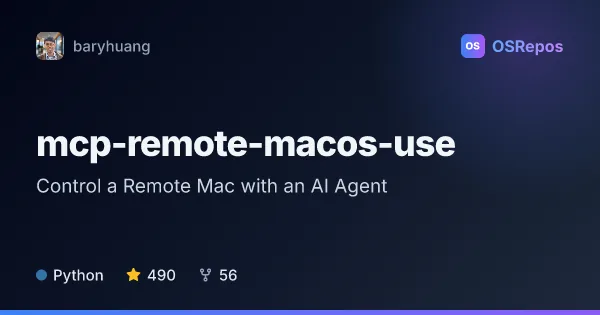
mcp-remote-macos-use: Control a Remote Mac with an AI Agent
An MCP server that lets compatible AI clients view and control a remote Mac through Screen Sharing. It offers desktop interaction tools, but its inactive development and support for only an older authentication protocol are important adoption risks.
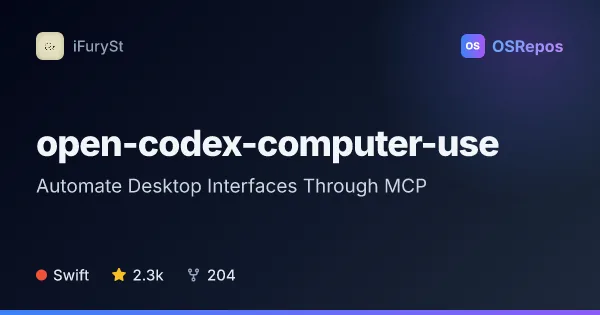
open-codex-computer-use: Automate Desktop Interfaces Through MCP
open-codex-computer-use exposes desktop automation as an MCP service that AI agents and compatible clients can use on macOS, Linux, and Windows. It is useful when an agent needs to interact with desktop apps through accessibility-based controls.
| mcp-remote-macos-use | open-codex-computer-use | |
|---|---|---|
| Language | Python | Swift |
| License | MIT | MIT |
| Stars | 490 | 2.3k |
| Forks | 56 | 204 |
| Last analyzed | Oct 9, 2026 | Oct 5, 2026 |
Key differences
- mcp-remote-macos-use targets a remote Mac; open-codex-computer-use supports macOS, Linux, and Windows.
- mcp-remote-macos-use uses Screen Sharing and requires it enabled on the target Mac; open-codex-computer-use describes accessibility-based controls and requires macOS permissions on that platform.
- mcp-remote-macos-use is written in Python and documents Docker deployment; open-codex-computer-use is written in Swift and offers an npm launcher, CLI commands, and JavaScript automation.
- mcp-remote-macos-use reports inactive development, with no commits in over a year and no release in the past year; open-codex-computer-use's supplied details do not describe its development activity.
- mcp-remote-macos-use supports only Apple authentication protocol 30 according to its README; open-codex-computer-use's supplied details do not describe a remote-screen authentication protocol.
- Both projects use the MIT license. The supplied project details list 490 stars for mcp-remote-macos-use and 2.3k for open-codex-computer-use.
Choose mcp-remote-macos-use if you…
- need an AI client to interact with a remote Mac through Screen Sharing.
- want a Docker-based server that does not require a separate background agent on the target Mac.
- are prepared to assess the documented authentication protocol and inactive development before adopting it.
Choose open-codex-computer-use if you…
- need desktop automation across macOS, Linux, and Windows.
- want CLI sequences or JavaScript-based automation through a terminal REPL.
- are connecting clients such as Codex, Claude Code, Gemini CLI, or opencode to desktop workflows.
Compare the numbers side by side, or add more projects
This comparison is generated with AI from the OSRepos analyses of both projects. Always check each project's repository and documentation before choosing.