brightdata-mcp vs browser-rs-mcp
Web data services and shared Chrome automation compared
brightdata-mcp gives MCP-compatible agents search, scraping, structured extraction, and remote browser automation through Bright Data services. browser-rs-mcp focuses on letting multiple agents control separate tabs in one Chrome profile through Chrome DevTools Protocol, with a Rust server and no Node.js runtime requirement.
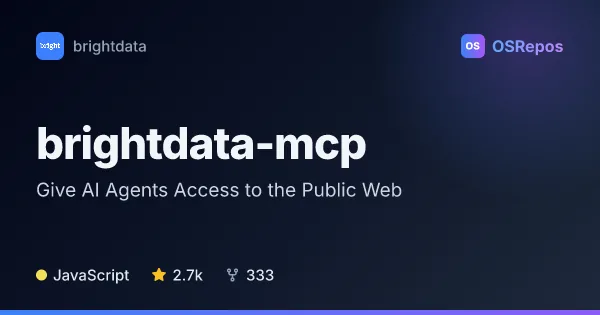
brightdata-mcp: Give AI Agents Access to the Public Web
Bright Data MCP is a Model Context Protocol server for AI agents and compatible clients, built on Bright Data’s web data and unblocking services. It combines web search, scraping, structured extraction, and remote browser automation through a hosted endpoint or local Node.js server.
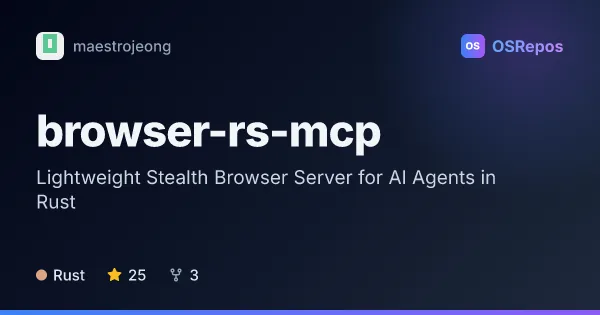
browser-rs-mcp: Share Chrome with AI Agents
A Rust MCP server that lets multiple AI agents control separate tabs in one shared Chrome profile. It provides browser automation through Chrome DevTools Protocol without requiring a Node.js runtime.
| brightdata-mcp | browser-rs-mcp | |
|---|---|---|
| Language | JavaScript | Rust |
| License | MIT | Apache-2.0 |
| Stars | 2.7k | 25 |
| Forks | 333 | 3 |
| Last analyzed | Oct 20, 2026 | Oct 4, 2026 |
Key differences
- brightdata-mcp includes search engines, platform-specific structured data tools, and AI-assisted extraction; browser-rs-mcp centers on controlling a Chrome or Chromium browser.
- brightdata-mcp uses Bright Data infrastructure and requires an account and API token; browser-rs-mcp requires locally installed Chrome or Chromium.
- brightdata-mcp is written in JavaScript and is MIT-licensed; browser-rs-mcp is written in Rust and is Apache-2.0-licensed.
- browser-rs-mcp supports multiple agents in one persistent browser profile with owner-scoped tabs; brightdata-mcp provides web-data tools and remote browser controls through its MCP interface.
- brightdata-mcp reports 2.7k stars and 331 forks, while browser-rs-mcp reports 25 stars and 3 forks.
- Neither project promises bot-detection bypass; browser-rs-mcp explicitly notes that its defaults do not guarantee sites will accept or evade detection of automation.
Choose brightdata-mcp if you…
- need search, scraping, and structured data tools behind one MCP interface.
- want platform-specific data retrieval or AI-assisted extraction from arbitrary pages.
- can use Bright Data's account, API token, services, and pricing model.
Choose browser-rs-mcp if you…
- want multiple agents to share one Chrome profile while using separate owner-scoped tabs.
- need browser automation through Chrome DevTools Protocol without a Node.js runtime.
- can install and configure Chrome or Chromium for local or managed use.
Compare the numbers side by side, or add more projects
This comparison is generated with AI from the OSRepos analyses of both projects. Always check each project's repository and documentation before choosing.