stagehand vs chrome-devtools-mcp
AI-driven website automation compared with Chrome DevTools access
stagehand and chrome-devtools-mcp both let agents work with a live browser. stagehand focuses on natural-language website actions and schema-based extraction, while chrome-devtools-mcp provides Chrome automation, debugging, and performance analysis through MCP or a CLI.
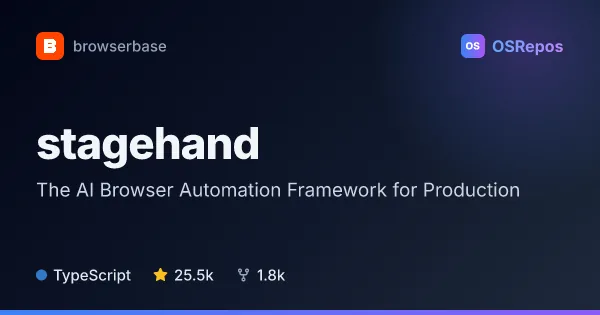
stagehand: Build AI Agents That Use Websites
Stagehand is a browser automation SDK for AI agents, combining Playwright-style controls with natural-language actions and structured data extraction. It supports TypeScript, Python, and Go, and can run with a local browser or Browserbase.
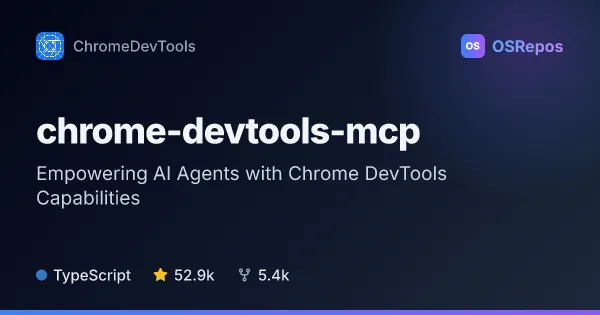
chrome-devtools-mcp: Give Coding Agents Chrome DevTools Access
Chrome DevTools MCP lets coding agents control and inspect a live Chrome browser through MCP or a CLI. Use it for browser automation, debugging, and performance analysis when your workflow needs access to real browser behavior.
| stagehand | chrome-devtools-mcp | |
|---|---|---|
| Language | TypeScript | TypeScript |
| License | MIT | Apache-2.0 |
| Stars | 25.5k | 52.9k |
| Forks | 1.8k | 5.5k |
| Last analyzed | Oct 3, 2026 | Oct 3, 2026 |
Key differences
- stagehand combines natural-language actions, page observation, and structured extraction with direct browser controls; chrome-devtools-mcp focuses on Chrome automation, debugging, and performance analysis.
- stagehand offers TypeScript, Python, and Go SDKs; chrome-devtools-mcp is a TypeScript project with MCP and CLI interfaces.
- stagehand can use a local browser or Browserbase-hosted sessions; chrome-devtools-mcp supports Chrome and Chrome for Testing, including headless or isolated sessions and connections to existing Chrome instances.
- stagehand is licensed under MIT; chrome-devtools-mcp is licensed under Apache-2.0.
- stagehand is suited to agents adapting to changing websites and collecting structured data; chrome-devtools-mcp is suited to coding agents that need browser evidence, such as console errors, network requests, or performance traces.
Choose stagehand if you…
- need natural-language browser actions and schema-validated data extraction.
- want SDK options in TypeScript, Python, or Go, with local or Browserbase-hosted sessions.
- are building website workflows that need to adapt to changing pages.
Choose chrome-devtools-mcp if you…
- need a coding agent to inspect Chrome behavior, errors, network requests, or performance traces.
- want to connect through MCP or use a CLI without an MCP client.
- need to verify frontend changes in Chrome or build a browser subagent around DevTools capabilities.
This comparison is generated with AI from the OSRepos analyses of both projects. Always check each project's repository and documentation before choosing.