text-extract-api vs unstructured
Document extraction API compared with a parsing library
text-extract-api and unstructured both help developers turn documents into content for downstream workflows. text-extract-api is a self-hostable API and CLI that produces Markdown or JSON, while unstructured is a library for parsing documents into structured elements.
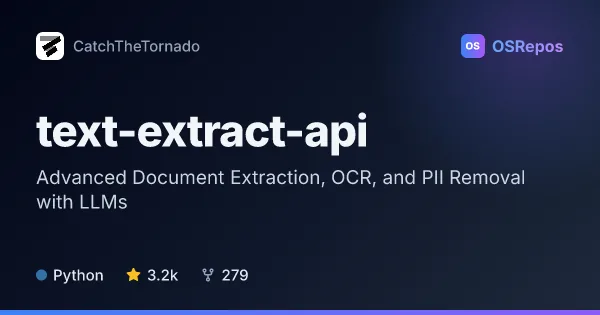
text-extract-api: Extract Text and Data from Documents
A self-hostable API that turns PDFs, images, and Office files into Markdown or structured JSON using OCR and Ollama models. It suits teams that need document processing and PII removal with control over where files are processed.
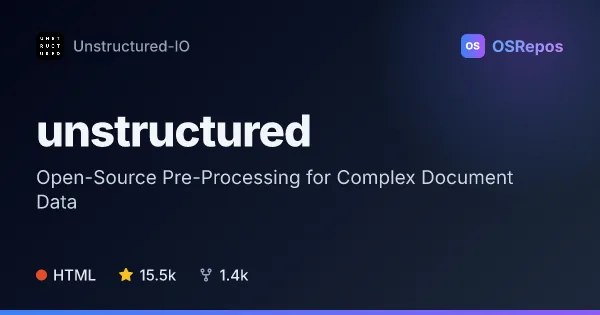
unstructured: Turn Documents Into Structured Data
Unstructured is a Python library for parsing and preprocessing documents into structured elements for downstream applications, including LLM workflows. It supports many file types, with format-specific dependencies for some inputs.
| text-extract-api | unstructured | |
|---|---|---|
| Language | Python | HTML |
| License | MIT | Apache-2.0 |
| Stars | 3.2k | 15.5k |
| Forks | 279 | 1.4k |
| Last analyzed | Oct 3, 2026 | Oct 3, 2026 |
Key differences
- text-extract-api accepts PDFs, images, and Office files and returns Markdown or structured JSON; unstructured parses a broader range of inputs, including HTML and email, into structured elements.
- text-extract-api combines OCR strategies with optional Ollama model processing; unstructured uses file-type detection to route documents to format-specific parsers.
- text-extract-api is a Python service with HTTP API and CLI access, while unstructured is a Python library centered on functions such as `partition`.
- text-extract-api is licensed under MIT; unstructured is licensed under Apache-2.0.
- text-extract-api documents asynchronous processing, OCR-result caching, and configurable result storage; unstructured offers connectors and integrations for ingestion workflows.
- The supplied figures list 3.2k stars and 279 forks for text-extract-api, and 15.5k stars and 1.4k forks for unstructured.
Choose text-extract-api if you…
- need a self-hostable API or CLI that returns Markdown or structured JSON.
- want optional Ollama processing, prompt-based PII removal, or configurable result storage.
- need asynchronous processing and OCR-result caching for document workflows.
Choose unstructured if you…
- want a library that detects document types and selects a corresponding parser.
- need to process varied inputs such as PDFs, HTML, Word documents, images, or email.
- are building document-ingestion or LLM workflows and want to install format-specific dependencies as needed.
Compare the numbers side by side, or add more projects
This comparison is generated with AI from the OSRepos analyses of both projects. Always check each project's repository and documentation before choosing.