cherry-studio vs obsidian-smart-composer
AI chat and writing tools compared
cherry-studio is a cross-platform desktop workspace for chatting with cloud and local models, while obsidian-smart-composer adds AI chat and writing features inside Obsidian. The main difference is scope: cherry-studio brings multiple services into a standalone app, while Smart Composer works with notes in an Obsidian vault.
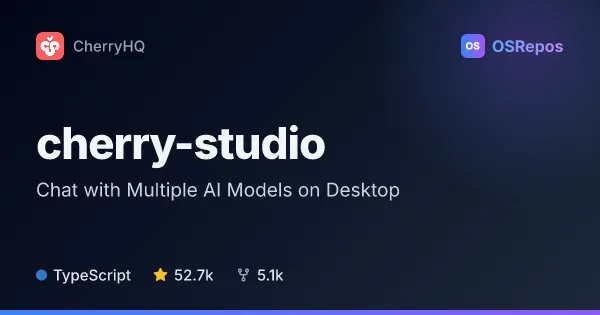
cherry-studio: Chat with Multiple AI Models on Desktop
Cherry Studio is a TypeScript desktop client for Windows, macOS, and Linux that brings multiple LLM providers, AI assistants, and conversations into one app. It also supports local models, document handling, and MCP servers.
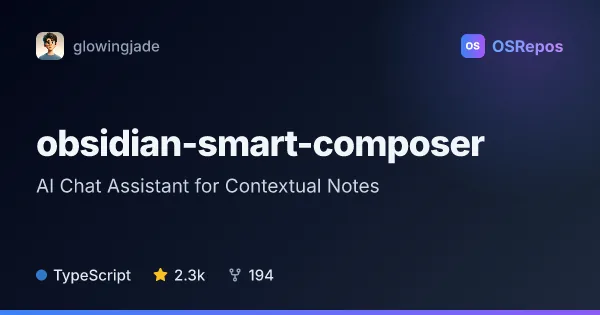
obsidian-smart-composer: Add Vault-Aware AI Writing to Obsidian
Smart Composer is an Obsidian plugin for chatting with AI using selected vault notes, searching notes semantically, and applying suggested edits. It suits writers and researchers who want AI assistance inside their note workflow, with hosted or local model options.
| cherry-studio | obsidian-smart-composer | |
|---|---|---|
| Language | TypeScript | TypeScript |
| License | AGPL-3.0 | MIT |
| Stars | 52.7k | 2.3k |
| Forks | 5.1k | 193 |
| Last analyzed | Oct 19, 2026 | Oct 3, 2026 |
Key differences
- cherry-studio is a standalone desktop app for Windows, macOS, and Linux; obsidian-smart-composer is an Obsidian plugin.
- cherry-studio supports multi-model conversations and includes pre-configured assistants; obsidian-smart-composer focuses on vault-aware chat, semantic note search, and applying suggested edits.
- cherry-studio handles documents and images in chat; obsidian-smart-composer can use vault files, web links, images, and YouTube transcripts as context.
- Both support local models and MCP, but cherry-studio connects to Ollama and LM Studio, while obsidian-smart-composer also supports local embedding models through Ollama.
- cherry-studio uses AGPL-3.0, while obsidian-smart-composer uses MIT.
- cherry-studio reports 52.3k stars and is not archived; obsidian-smart-composer reports 2.3k stars, and its maintainer says it is not under active development.
Choose cherry-studio if you…
- want a standalone desktop app for Windows, macOS, or Linux.
- need to compare multiple models in one conversation or use ready-made assistants.
- want to work with documents and images alongside cloud or locally hosted models.
Choose obsidian-smart-composer if you…
- want AI assistance directly alongside notes in an Obsidian vault.
- need semantic note search or one-click application of suggested document edits.
- prefer an MIT-licensed plugin with hosted and local model options.
Compare the numbers side by side, or add more projects
This comparison is generated with AI from the OSRepos analyses of both projects. Always check each project's repository and documentation before choosing.