splinter vs MechanicalSoup
Python web automation libraries compared
splinter and MechanicalSoup both help Python programs interact with websites. splinter automates a browser through drivers such as Selenium, while MechanicalSoup uses HTTP sessions and HTML parsing without executing JavaScript.
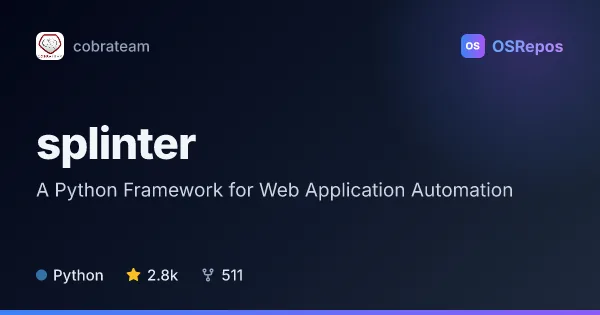
splinter: Automate Web Browser Interactions in Python
Splinter provides a Python API for automating browser interactions in web application tests. Use it to exercise pages through drivers such as Selenium, or when you want a higher-level interface that can still access Selenium directly.
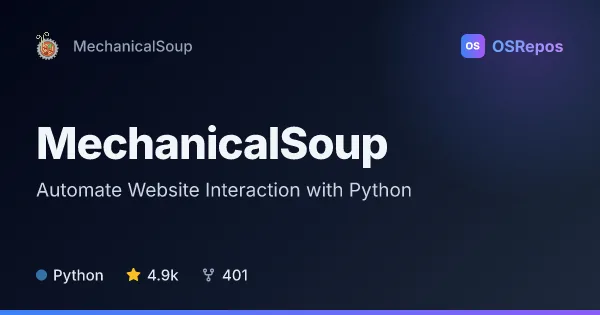
MechanicalSoup: Automate Website Interaction with Python
MechanicalSoup lets Python programs interact with websites through HTTP sessions and parsed HTML, including following links and submitting forms. It suits scripted web tasks that do not require JavaScript execution.
| splinter | MechanicalSoup | |
|---|---|---|
| Language | Python | Python |
| License | BSD-3-Clause | MIT |
| Stars | 2.8k | 4.9k |
| Forks | 511 | 401 |
| Last analyzed | Oct 3, 2026 | Oct 12, 2026 |
Key differences
- splinter is designed for browser-based testing, with actions such as visiting pages, filling fields, and clicking controls; MechanicalSoup handles website interactions through HTTP requests and HTML navigation.
- splinter supports drivers including Selenium, Django, Flask, and ZopeTestBrowser; MechanicalSoup is built on Requests and BeautifulSoup.
- MechanicalSoup does not execute JavaScript, so it is unsuitable for workflows that depend on client-side rendering; splinter is intended for browser interactions.
- splinter is licensed under BSD-3-Clause, while MechanicalSoup uses the MIT license.
- splinter has 2.8k stars and 511 forks; MechanicalSoup has 4.9k stars and 400 forks.
Choose splinter if you…
- need browser-based acceptance or integration tests for web applications.
- want a higher-level browser API with access to Selenium operations.
- need to test user journeys such as filling forms and checking page content.
Choose MechanicalSoup if you…
- want to automate forms, links, or page collection through ordinary HTTP requests.
- work with sites whose interactions do not require JavaScript.
- prefer a stateful, browser-like workflow built on Requests and BeautifulSoup.
Compare the numbers side by side, or add more projects
This comparison is generated with AI from the OSRepos analyses of both projects. Always check each project's repository and documentation before choosing.