MacOS-MCP vs open-codex-computer-use
MCP desktop automation projects compared
MacOS-MCP and open-codex-computer-use let MCP-compatible agents interact with desktop applications. MacOS-MCP focuses on native macOS automation, while open-codex-computer-use supports macOS, Linux, and Windows and also offers CLI and JavaScript workflows.
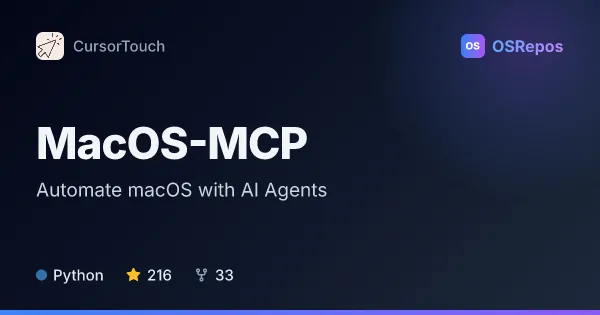
MacOS-MCP: Automate macOS with AI Agents
MacOS-MCP is a Model Context Protocol server for AI agents to control macOS apps, windows and interface elements. Built on PyObjC, FastMCP and the macOS Accessibility API, it supports native desktop automation on macOS 12 and later.
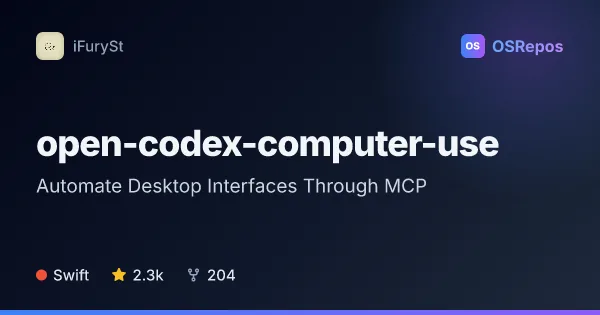
open-codex-computer-use: Automate Desktop Interfaces Through MCP
open-codex-computer-use exposes desktop automation as an MCP service that AI agents and compatible clients can use on macOS, Linux, and Windows. It is useful when an agent needs to interact with desktop apps through accessibility-based controls.
| MacOS-MCP | open-codex-computer-use | |
|---|---|---|
| Language | Python | Swift |
| License | MIT | MIT |
| Stars | 216 | 2.3k |
| Forks | 33 | 204 |
| Last analyzed | Oct 21, 2026 | Oct 5, 2026 |
Key differences
- MacOS-MCP targets macOS 12 and later; open-codex-computer-use supports macOS, Linux, and Windows, with its macOS runtime requiring macOS 14 or later.
- MacOS-MCP is built with Python, PyObjC, FastMCP, and the macOS Accessibility API; open-codex-computer-use is written in Swift.
- MacOS-MCP offers stdio, SSE, and Streamable HTTP transports; open-codex-computer-use includes CLI commands, a JavaScript automation interface, and a terminal REPL.
- MacOS-MCP describes native UI, window, browser, AppleScript, and shell operations; open-codex-computer-use emphasizes MCP tools, repeatable CLI sequences, and JavaScript automation.
- Both projects use the MIT license. The supplied repository figures list 216 stars and 33 forks for MacOS-MCP, and 2.3k stars and 204 forks for open-codex-computer-use.
Choose MacOS-MCP if you…
- need native macOS automation on macOS 12 or later.
- want to combine UI actions with AppleScript or shell commands.
- need stdio, SSE, or Streamable HTTP transport options.
Choose open-codex-computer-use if you…
- need a desktop automation interface for macOS, Linux, and Windows.
- want CLI commands or JavaScript tools for running and exploring action sequences.
- plan to connect clients such as Codex, Claude Code, Gemini CLI, or opencode.
Compare the numbers side by side, or add more projects
This comparison is generated with AI from the OSRepos analyses of both projects. Always check each project's repository and documentation before choosing.