Scrapling vs requests-html
Python web scraping frameworks compared
Scrapling and requests-html both provide Python tools to fetch and parse web pages, including support for CSS and XPath selection. Scrapling extends this into adaptive scraping and crawler workflows, while requests-html centers on a compact Requests-style interface for page extraction.
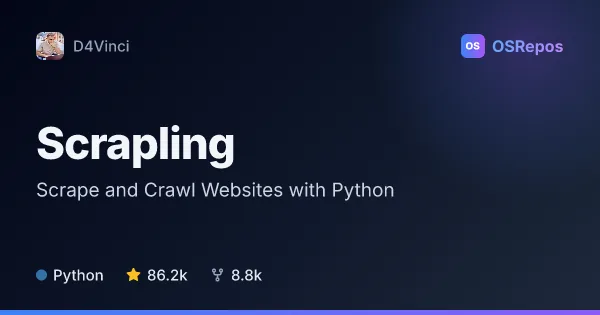
Scrapling: Scrape and Crawl Websites with Python
Scrapling is a Python framework for extracting data from static and dynamic websites, with selectors that can adapt to page changes and tools for scaling from individual requests to concurrent crawls. It also offers browser-based fetching, a CLI, and an MCP server.
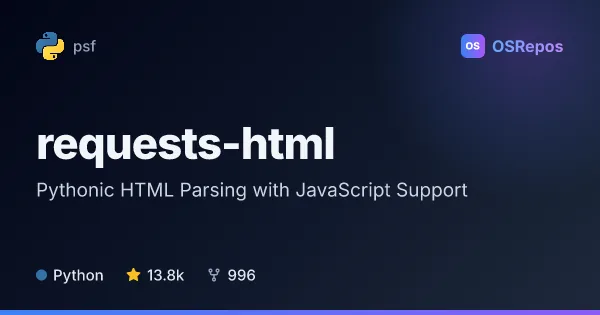
requests-html: Fetch and Parse HTML in Python
requests-html combines familiar Requests-style HTTP access with HTML parsing tools for scraping. It supports CSS and XPath selection, link extraction, asynchronous requests, and optional Chromium rendering for JavaScript-generated content.
| Scrapling | requests-html | |
|---|---|---|
| Language | Python | Python |
| License | BSD-3-Clause | MIT |
| Stars | 86.2k | 13.8k |
| Forks | 8.8k | 996 |
| Last analyzed | Oct 8, 2026 | Oct 3, 2026 |
Key differences
- Scrapling offers adaptive selectors that can relocate elements after site structure changes; requests-html provides CSS and XPath selection without that adaptive capability.
- Scrapling includes a spider framework for concurrent crawling, persistence, sessions, and throttling; requests-html supports asynchronous requests for fetching multiple pages.
- Scrapling supports HTTP and browser-based fetching, while requests-html offers optional Chromium rendering through pyppeteer for JavaScript-generated content.
- Scrapling is licensed under BSD-3-Clause; requests-html is licensed under MIT.
- The supplied project data lists 85.5k stars and 8.8k forks for Scrapling, compared with 13.8k stars and 996 forks for requests-html.
Choose Scrapling if you…
- need adaptive selectors to reduce repairs when page structures change.
- want crawler features such as concurrent spiders and crawl persistence.
- need an MCP server or Markdown preparation for retrieval workflows.
Choose requests-html if you…
- want a compact Requests-style interface for fetching and parsing HTML.
- need to extract links, text, attributes, or selected fields from static pages.
- want to parse an HTML string directly or use optional Chromium rendering for JavaScript-generated content.
Compare the numbers side by side, or add more projects
This comparison is generated with AI from the OSRepos analyses of both projects. Always check each project's repository and documentation before choosing.