reubah vs pic-smaller
Document and image conversion compared with local image compression
reubah is a web app for converting documents and images, with image batching and JPG/JPEG optimization. pic-smaller focuses on batch image compression and conversion, processing files in the browser on the user's device rather than uploading them to an application server.
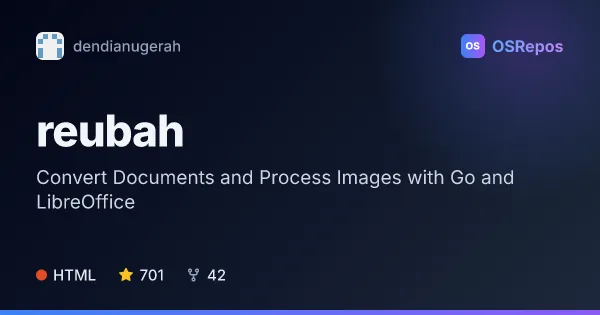
reubah: Convert Documents and Process Images with Go and LibreOffice
Reubah is a web-based tool for image processing and document conversion, built with Go and using LibreOffice for document conversions. It suits people who want a simple self-hosted interface for common file tasks.
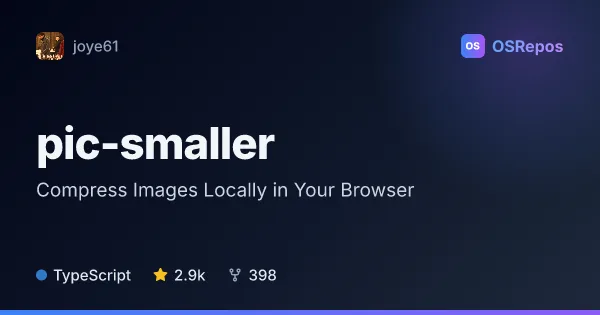
pic-smaller: Compress Images Locally in Your Browser
Pic Smaller is a browser-based batch image compressor built with Web Workers, WebAssembly, Canvas, and browser codecs. It processes images on your device, making it useful when you want to compress or convert files without uploading them to an application server.
| reubah | pic-smaller | |
|---|---|---|
| Language | HTML | TypeScript |
| License | MIT | MIT |
| Stars | 701 | 2.9k |
| Forks | 42 | 398 |
| Last analyzed | Oct 30, 2026 | Oct 26, 2026 |
Key differences
- reubah handles common document formats as well as images, while pic-smaller focuses on image compression and editing operations such as resizing and cropping.
- reubah describes isolated processing with no file storage and automatic cleanup; pic-smaller processes images locally in the browser.
- reubah is written in HTML and lists Go, LibreOffice, and GCC/G++ among local development requirements; pic-smaller is written in TypeScript and requires Node.js 22 or newer for development and builds.
- Both projects use the MIT license. reubah lists 705 stars and 42 forks, while pic-smaller lists 2.9k stars and 398 forks.
- reubah can be run locally or deployed with Docker; pic-smaller offers a hosted web app and can be deployed as a static Cloudflare Pages site or Docker container.
- reubah notes unfinished API support and background removal, along with limitations in some PDF conversions. pic-smaller has regular commits, but its considerations note no release in over a year and no recent issues or pull requests closed or merged.
Choose reubah if you…
- need to convert documents as well as images through a web interface.
- want batch processing for images and JPG/JPEG optimization.
- prefer an app that describes automatic cleanup and no file storage as part of its processing approach.
Choose pic-smaller if you…
- want to compress image batches locally in your browser without uploading them to an application server.
- need image operations such as resizing, cropping, or converting HEIC and HEIF files.
- want options for adding files by folder picker, drag and drop, or clipboard paste, and downloading batches as ZIP archives.
Compare the numbers side by side, or add more projects
This comparison is generated with AI from the OSRepos analyses of both projects. Always check each project's repository and documentation before choosing.