agent-plugins vs claude-codex-settings
Curated assistant bundles vs cross-tool coding-agent additions
agent-plugins packages curated skills, MCP servers, and specialist agents into category-based plugins, while claude-codex-settings offers a broader catalog of plugins, skills, hooks, and guidance. Their client coverage differs: agent-plugins focuses on VS Code, GitHub Copilot CLI, and Claude Code, while claude-codex-settings also covers Codex, Cursor, and Gemini CLI extensions.
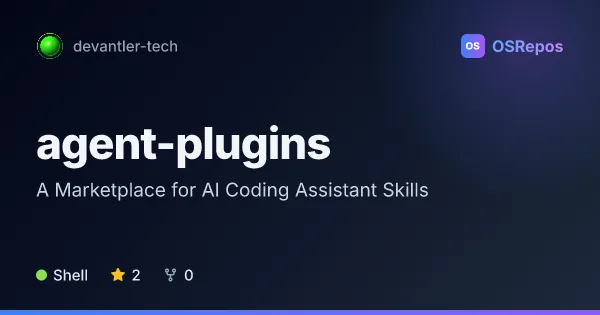
agent-plugins: Install Curated AI Coding Assistant Bundles
agent-plugins packages curated skills, MCP servers, and specialist agents into category-based plugins for VS Code, GitHub Copilot CLI, and Claude Code. It suits developers who want reusable assistant capabilities without assembling each integration themselves.
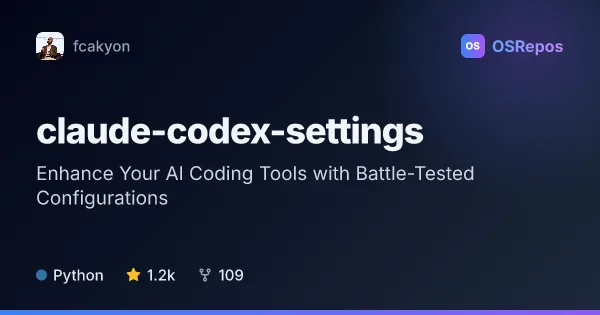
claude-codex-settings: Add Skills and Plugins to Coding Agents
A cross-tool collection of plugins, skills, hooks, and agent guidance for Claude Code, Codex, Cursor, and Gemini CLI. Use selected components to standardize coding workflows, review changes, or add domain-specific guidance.
| agent-plugins | claude-codex-settings | |
|---|---|---|
| Language | Shell | Python |
| License | Apache-2.0 | Apache-2.0 |
| Stars | 2 | 1.2k |
| Forks | 0 | 109 |
| Last analyzed | Oct 4, 2026 | Oct 3, 2026 |
Key differences
- agent-plugins groups capabilities into category bundles such as Kubernetes operations and GitHub workflows; claude-codex-settings lets users select components such as review workflows, hooks, and language-specific guidance.
- agent-plugins supports VS Code, GitHub Copilot CLI, and Claude Code, with a skills-only path for other agents; claude-codex-settings documents plugins for Claude Code, Codex CLI, and Cursor, plus Gemini CLI extensions for plugins.
- agent-plugins is written in Shell, while claude-codex-settings is written in Python.
- agent-plugins lists 2 stars and 0 forks; claude-codex-settings lists 1.2k stars and 109 forks.
- agent-plugins documents marketplace release procedures and CI checks; claude-codex-settings emphasizes choosing and installing individual components across tools.
Choose agent-plugins if you…
- want category-based bundles of skills, MCP servers, and specialist agents.
- use VS Code, GitHub Copilot CLI, or Claude Code and want client-specific installation guidance.
- need capabilities focused on areas such as Kubernetes, KSail, or GitHub workflows.
Choose claude-codex-settings if you…
- want to select individual skills, plugins, hooks, or agent guidance rather than adopt a full configuration.
- work across Claude Code, Codex, Cursor, or Gemini CLI and want components documented for those tools.
- need workflow additions such as diff simplification reviews, writing checks, or pre-write and pre-commit hooks.
Compare the numbers side by side, or add more projects
This comparison is generated with AI from the OSRepos analyses of both projects. Always check each project's repository and documentation before choosing.