docling vs pdf-inspector
Document processing projects compared
docling prepares PDFs and many other formats for generative AI workflows, while pdf-inspector focuses on classifying PDFs and extracting positioned text as Markdown. The main difference is breadth: docling handles varied media and document understanding, while pdf-inspector emphasizes local PDF extraction and selective OCR routing.
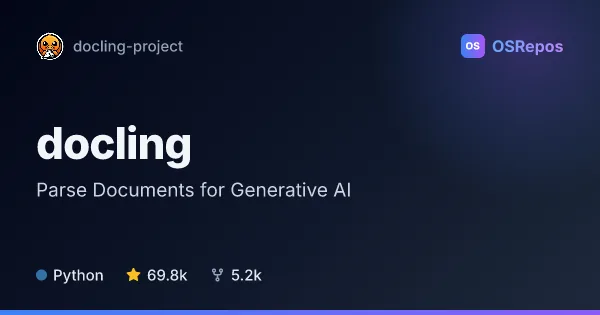
docling: Parse Documents for Generative AI
Docling is a Python document-processing library that turns PDFs and many other formats into structured content for generative AI workflows. It supports local processing on macOS, Linux, and Windows, with integrations for popular AI frameworks.
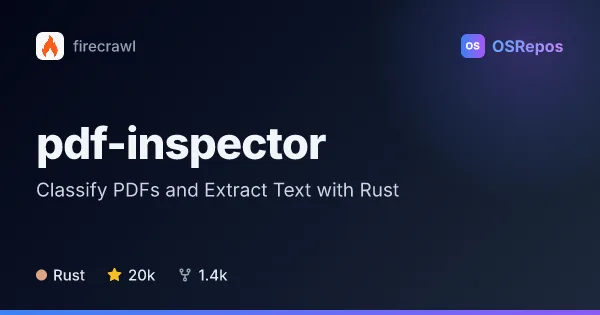
pdf-inspector: Classify PDFs and Extract Text with Rust
pdf-inspector is a Rust library that classifies PDFs, extracts positioned text, and converts native text to Markdown. It offers Python, Node.js, and browser WebAssembly bindings, with optional selective OCR for pages that need it.
| docling | pdf-inspector | |
|---|---|---|
| Language | Python | Rust |
| License | MIT | MIT |
| Stars | 69.8k | 20k |
| Forks | 5.2k | 1.4k |
| Last analyzed | Oct 29, 2026 | Nov 14, 2026 |
Key differences
- docling parses PDFs, office files, web formats, images, audio, video, and email; pdf-inspector focuses on PDF classification and extraction.
- docling analyzes PDF layout, reading order, tables, code, formulas, and images, and exports several structured formats; pdf-inspector extracts positioned text and converts common structures to Markdown.
- docling is written in Python; pdf-inspector is written in Rust and also provides Python, Node.js, browser WebAssembly, and CLI workflows.
- docling supports local processing across macOS, Linux, and Windows, with integrations for AI frameworks; pdf-inspector runs extraction and classification locally and can route selected pages to OCR through supported native integrations.
- Both projects use the MIT license. docling has 69.8k stars and 5.2k forks, while pdf-inspector has 19.5k stars and 1.3k forks.
Choose docling if you…
- need to process formats beyond PDFs, including audio, video, email, and office files.
- want document understanding and exports for generative AI workflows.
- need integrations with LangChain, LlamaIndex, Crew AI, or Haystack.
Choose pdf-inspector if you…
- need to classify PDFs and inspect positioned text, fonts, coordinates, or reading order.
- want to route only scanned or selected PDF pages to OCR.
- need Rust, Node.js, or browser WebAssembly options for PDF extraction.
Compare the numbers side by side, or add more projects
This comparison is generated with AI from the OSRepos analyses of both projects. Always check each project's repository and documentation before choosing.