skills vs skills
Specialized agent skills for .NET and Google technologies
Both projects provide task-focused guidance and integrations for AI coding agents. The .NET skills collection focuses on C# development across several agent hosts, while the Google skills collection covers Google products and technologies, including Google Cloud.
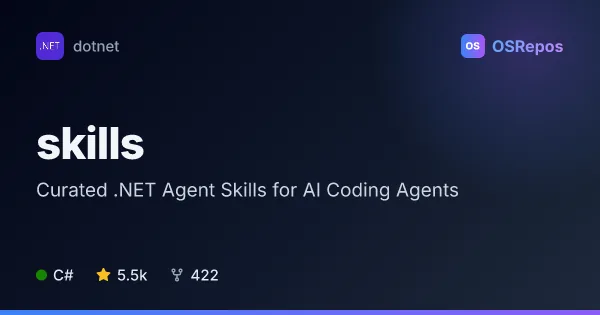
skills: Add .NET Skills to AI Coding Agents
A curated collection of portable skills and host-specific agents for .NET and C# coding agents. It helps agents handle development, testing, upgrades, diagnostics, and other specialized .NET tasks.
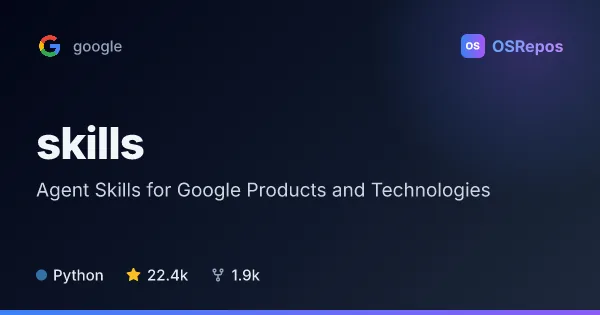
skills: Agent Skills for Google Products and Technologies
Google’s Agent Skills repository provides task-focused guidance for agents working with Google products and technologies, including Google Cloud. Install selected skills or the full collection with the skills CLI, or use bundled plugins with supported agent harnesses.
| skills | skills | |
|---|---|---|
| Language | C# | Python |
| License | MIT | Apache-2.0 |
| Stars | 5.5k | 22.4k |
| Forks | 422 | 1.9k |
| Last analyzed | Oct 3, 2026 | Nov 6, 2026 |
Key differences
- The .NET skills collection focuses on C# and .NET work such as testing, upgrades, builds, and diagnostics; the Google skills collection covers Google Cloud, advertising, analytics, identity, and developer tools.
- The .NET project is written in C# and uses the MIT license; the Google project is written in Python and uses the Apache-2.0 license.
- The .NET collection supports plugin installation through Copilot CLI, Claude Code, Cursor, and a Codex marketplace, with VS Code support in preview; the Google collection bundles product plugins for Claude Code, Codex, and Antigravity CLI.
- The .NET project includes reusable GitHub Agentic Workflows and C# language-server integration for supported hosts; the Google project offers CLI installation, updating, and removal of skills.
- The .NET repository reports 5.5k stars and 422 forks; the Google repository reports 22.4k stars and 1.9k forks.
Choose skills if you…
- need focused guidance for .NET or C# development, testing, upgrades, or diagnostics.
- want to extend an existing agent setup with portable .NET skills and GitHub Agentic Workflows.
Choose skills if you…
- need task-specific agent guidance for Google Cloud or other Google products.
- want to install, update, or remove selected skills using the skills CLI.
- use Claude Code, Codex, or Antigravity CLI and want bundled Google product plugins.
Compare the numbers side by side, or add more projects
This comparison is generated with AI from the OSRepos analyses of both projects. Always check each project's repository and documentation before choosing.