univer vs DocumentServer
Embeddable office SDK compared with hosted office server
univer is a TypeScript SDK for building embedded office experiences and processing files in Node.js. DocumentServer is a server-side office suite with browser editors and viewers; it emphasizes self-hosted real-time collaboration, while univer emphasizes custom application development.
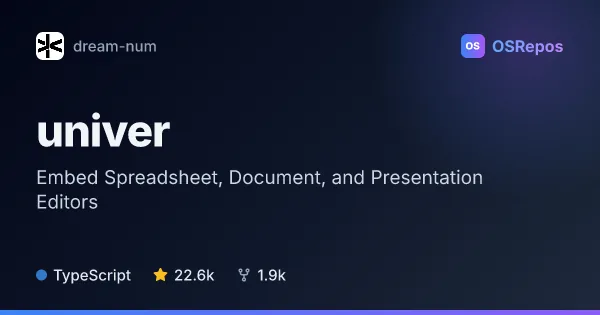
univer: Embed Spreadsheet, Document, and Presentation Editors
Univer is a TypeScript SDK for embedding customizable spreadsheet, document, and presentation experiences in browser products, with a Node.js headless runtime. Its plugin architecture and Facade API suit teams building productivity tools or agent workflows, though several advanced features require commercial Univer Pro packages.
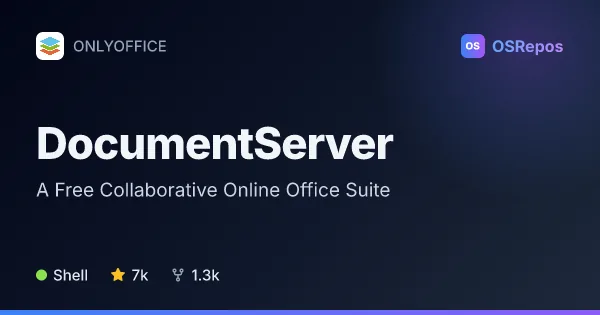
DocumentServer: Host Collaborative Online Office Editors
ONLYOFFICE Docs provides self-hosted editors and viewers for documents, spreadsheets, presentations, forms, and PDFs. It suits teams and product integrators that need real-time editing embedded in a collaboration platform or application.
| univer | DocumentServer | |
|---|---|---|
| Language | TypeScript | Shell |
| License | Apache-2.0 | AGPL-3.0 |
| Stars | 22.6k | 7k |
| Forks | 1.9k | 1.3k |
| Last analyzed | Oct 14, 2026 | Oct 3, 2026 |
Key differences
- univer provides a plugin-based framework for tailored spreadsheet and document experiences; DocumentServer provides ready-to-use browser editors and viewers for documents, spreadsheets, presentations, forms, and PDFs.
- univer supports browser editing and headless processing in Node.js; DocumentServer is deployed as a server product for browser-based editing.
- univer is written in TypeScript and licensed under Apache-2.0; DocumentServer’s repository is in Shell and its Community Edition is licensed under AGPL-3.0, while other editions are proprietary.
- DocumentServer lists real-time collaboration, comments, chat, review tools, and version history; univer’s open-source core has a distinct scope from Univer Pro, where some capabilities, including collaboration, are offered.
- univer is aimed at developers creating custom productivity tools and workflows; DocumentServer serves teams self-hosting editors or integrating them with collaboration platforms and applications.
Choose univer if you…
- build custom spreadsheet or document editing into your own product.
- need to process workbooks or documents in Node.js without a browser UI.
- want to extend office workflows with plugins, commands, services, or custom APIs.
Choose DocumentServer if you…
- need self-hosted browser editors and viewers for documents, spreadsheets, presentations, forms, or PDFs.
- want real-time collaborative editing features such as comments, chat, and version history.
- plan to connect office editors to a sync-and-share platform or embed them through an API.
Compare the numbers side by side, or add more projects
This comparison is generated with AI from the OSRepos analyses of both projects. Always check each project's repository and documentation before choosing.