Foxel vs firefiles
File management across storage projects compared
Foxel and firefiles both provide browser-based ways to manage files stored across cloud services. Foxel covers a wider range of storage backends and adds semantic search, permissions, and integration interfaces, while firefiles focuses on browsing and managing cloud storage buckets.
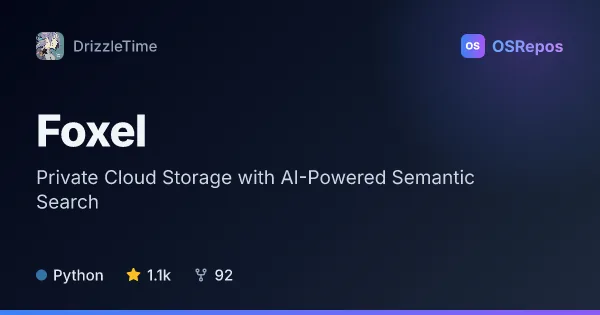
Foxel: Manage Private Cloud Files with AI Search
Foxel is a self-hosted file hub for individuals and teams that connects multiple storage backends in one interface. It combines file previews, access controls, sharing, and semantic search for finding content beyond filenames.
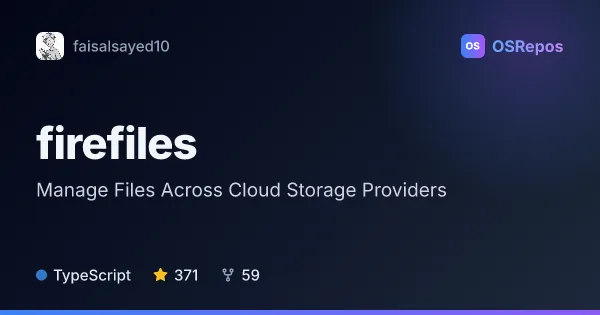
firefiles: Manage Files Across Cloud Storage Providers
Firefiles is a browser-based cloud drive for managing files in storage buckets, with support for AWS S3. It may suit people who want a Dropbox-like interface backed by storage they choose.
| Foxel | firefiles | |
|---|---|---|
| Language | Python | TypeScript |
| License | MIT | AGPL-3.0 |
| Stars | 1.1k | 371 |
| Forks | 92 | 59 |
| Last analyzed | Oct 3, 2026 | Oct 6, 2026 |
Key differences
- Foxel connects local storage, S3-compatible services, WebDAV, SFTP, SMB, and cloud-drive adapters; firefiles names AWS S3 and describes support for multiple providers.
- Foxel includes natural-language semantic search with configurable embedding providers and vector databases; firefiles offers tags and filters where the storage provider supports them.
- Foxel provides roles, path-level permissions, audit logging, and configurable sharing links; firefiles highlights downloading, sharing, previews, and browser-based file management.
- Foxel is written in Python and licensed under MIT; firefiles is written in TypeScript and licensed under AGPL-3.0.
- Foxel is self-hosted and offers plugins, S3-compatible and WebDAV endpoints, and an AI agent with an MCP endpoint; firefiles is a browser interface that depends on configuring a supported cloud storage backend.
- Foxel has 1.1k stars and 92 forks, while firefiles has 371 stars and 59 forks; both are not archived.
Choose Foxel if you…
- need to bring local, network, and cloud storage into one interface.
- want semantic search, granular permissions, or audit logging for files.
- need S3-compatible or WebDAV access, plugins, or AI file tools.
Choose firefiles if you…
- want a browser-based interface for managing cloud storage buckets.
- need to browse, download, share, and preview files stored in AWS S3.
- want tags and filters when your storage provider supports them.
Compare the numbers side by side, or add more projects
This comparison is generated with AI from the OSRepos analyses of both projects. Always check each project's repository and documentation before choosing.