open-enthrium-ai-platform vs cabinet
Self-hosted AI workspaces compared
open-enthrium-ai-platform and cabinet both let users run AI tools on self-managed infrastructure. open-enthrium-ai-platform centers on configurable agents, RAG, and private chat, while cabinet centers on a local Markdown knowledge base, AI CLI agents, and team workflows.
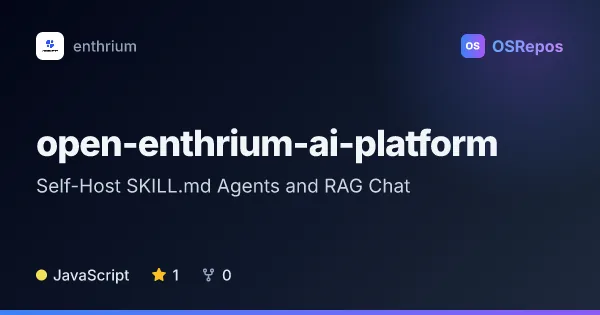
open-enthrium-ai-platform: Self-Host SKILL.md Agents and RAG Chat
Open Enthrium AI Platform is a self-hosted web app built around SKILL.md agents and a built-in runtime, with RAG knowledge bases and private AI chat. It is aimed at teams that want to run agents and keep their AI data on their own infrastructure.
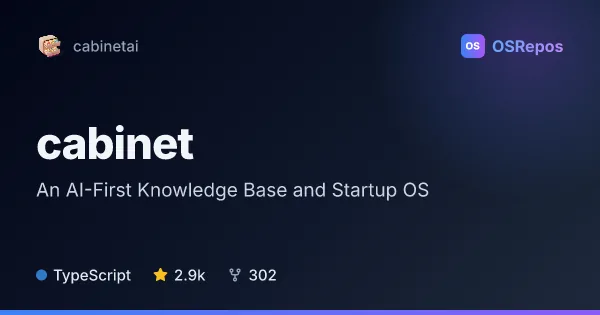
cabinet: Build a Self-Hosted AI Knowledge Base
Cabinet combines a local, Markdown-based knowledge base with AI agents, scheduled jobs, and team workflows. It is aimed at people who want persistent AI context and automation while keeping their files on disk and under their control.
| open-enthrium-ai-platform | cabinet | |
|---|---|---|
| Language | JavaScript | TypeScript |
| License | — | MIT |
| Stars | 1 | 2.9k |
| Forks | 0 | 302 |
| Last analyzed | Oct 15, 2026 | Oct 3, 2026 |
Key differences
- open-enthrium-ai-platform combines SKILL.md agents, document retrieval, and private chat; cabinet organizes Markdown files alongside agents, scheduled jobs, missions, and tasks.
- open-enthrium-ai-platform is written in JavaScript and supports Docker or source deployment with Node.js; cabinet is written in TypeScript and requires Node.js 22 or later.
- open-enthrium-ai-platform provides an admin panel for configuring LLMs, embedding models, vector databases, and connectors; cabinet uses Claude Code or Codex CLI adapters for agent tasks and jobs.
- open-enthrium-ai-platform targets teams building private assistants and reusable agents; cabinet is aimed at individuals and small teams managing project context and recurring work.
- cabinet has Git-backed file history and a MIT license; open-enthrium-ai-platform’s README says Apache-2.0, while its repository metadata reports NOASSERTION.
- cabinet has 2.9k stars and 302 forks; open-enthrium-ai-platform has 1 star and 0 forks.
Choose open-enthrium-ai-platform if you…
- need RAG over documents and cited answers in a private chat assistant.
- want to configure AI providers, vector databases, and connectors through a web admin panel.
- plan to run declarative SKILL.md agents through a built-in runtime.
Choose cabinet if you…
- want a Markdown knowledge base stored as files with Git-backed history.
- need scheduled agent jobs and team workflows organized around goals and tasks.
- prefer local Claude Code or Codex CLI adapters and a workspace with search, editing, and file viewers.
Compare the numbers side by side, or add more projects
This comparison is generated with AI from the OSRepos analyses of both projects. Always check each project's repository and documentation before choosing.