DeepSeek-Reasonix vs grok-build
Local AI coding agents compared
DeepSeek-Reasonix and grok-build are coding agents for exploring and changing software projects. DeepSeek-Reasonix offers a shared local engine across several interfaces and configurable providers, while grok-build focuses on an interactive terminal and also supports headless scripts and CI.
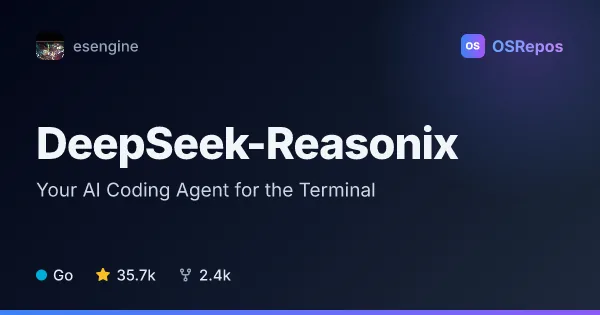
DeepSeek-Reasonix: Run a Local AI Coding Agent
DeepSeek-Reasonix is a Go-based coding agent for complex software engineering tasks, available through a CLI, desktop app, browser, and editor integrations. It combines configurable model providers with tools and controls for managing longer agent runs.
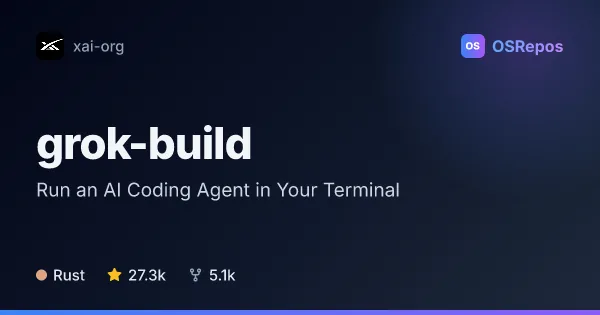
grok-build: Run an AI Coding Agent in Your Terminal
Grok Build is a Rust-based terminal coding agent that can inspect and edit a codebase, run shell commands, and handle longer tasks. It supports interactive use, scripting, and editor integration through ACP.
| DeepSeek-Reasonix | grok-build | |
|---|---|---|
| Language | Go | Rust |
| License | MIT | Apache-2.0 |
| Stars | 35.7k | 27.3k |
| Forks | 2.4k | 5.1k |
| Last analyzed | Oct 3, 2026 | Oct 9, 2026 |
Key differences
- DeepSeek-Reasonix is written in Go; grok-build is written in Rust.
- DeepSeek-Reasonix uses the MIT license; grok-build uses Apache-2.0.
- DeepSeek-Reasonix supports CLI, desktop, browser, and editor interfaces through a shared engine; grok-build centers on a full-screen terminal UI, with headless and ACP use also available.
- DeepSeek-Reasonix lets users configure model providers, including OpenAI-compatible endpoints; grok-build emphasizes code editing, shell commands, and web search.
- DeepSeek-Reasonix's active 2.x studio branch is in development, with 1.x presented as the stable maintenance line; grok-build's repository is periodically synced from a monorepo and does not accept external contributions.
- DeepSeek-Reasonix builds require Go 1.25 or later, and Studio also needs Node 24+ and pnpm 10; grok-build source builds require Rust and DotSlash, with macOS and Linux listed as supported build hosts.
Choose DeepSeek-Reasonix if you…
- want a shared local agent engine available through CLI, desktop, browser, or editor integrations.
- need to configure model providers, tools, and plugins, including OpenAI-compatible endpoints.
- want planning, permission controls, workspace sandboxing, and per-turn checkpoints for longer runs.
Choose grok-build if you…
- want a full-screen terminal agent with mouse interaction and codebase editing.
- need to run agent workflows headlessly in scripts or CI, or connect through ACP.
- want an agent that can execute shell commands and search the web as well as inspect and edit files.
Compare the numbers side by side, or add more projects
This comparison is generated with AI from the OSRepos analyses of both projects. Always check each project's repository and documentation before choosing.