compound-engineering-plugin vs claude-codex-settings
AI coding-agent workflows and plugin collections compared
compound-engineering-plugin guides agents through a repeatable engineering process, from planning to review and recording lessons. claude-codex-settings collects plugins, skills, hooks, and configuration for use across several coding tools, with more emphasis on shared and domain-specific capabilities.
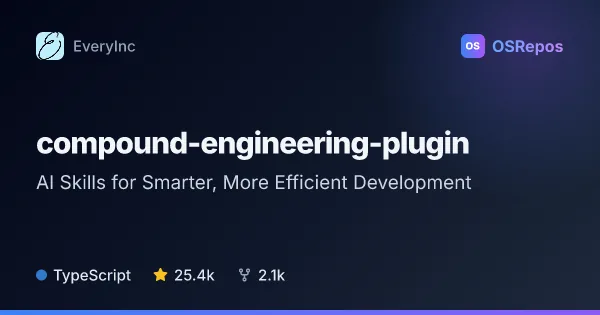
compound-engineering-plugin: Guide AI Agents Through Engineering Work
Compound Engineering provides reusable skills for AI coding agents, guiding work from brainstorming and planning through implementation, review, and captured learnings. It supports multiple agent hosts, including Claude Code, Cursor, and Codex.
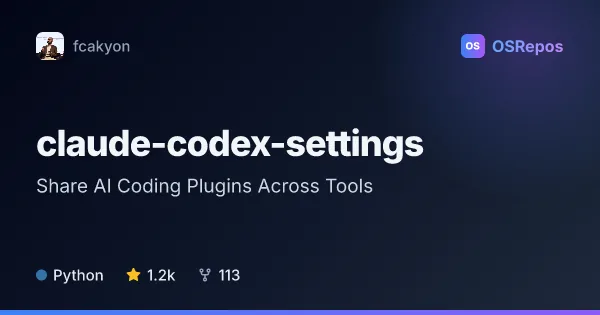
claude-codex-settings: Share AI Coding Plugins Across Tools
A cross-tool plugin and configuration collection for Claude Code, Claude Desktop, OpenAI Codex, Cursor, and Gemini CLI. It packages skills, hooks, agents, and MCP guidance, with API support for Kimi, MiniMax, and GLM.
| compound-engineering-plugin | claude-codex-settings | |
|---|---|---|
| Language | TypeScript | Python |
| License | MIT | Apache-2.0 |
| Stars | 25.4k | 1.2k |
| Forks | 2.1k | 113 |
| Last analyzed | Oct 3, 2026 | Oct 28, 2026 |
Key differences
- compound-engineering-plugin centers on a structured plan, implementation, simplification, review, and learning loop; claude-codex-settings is a broader collection of plugins and configurations.
- compound-engineering-plugin emphasizes carrying project-specific lessons into future tasks; claude-codex-settings focuses on sharing instructions and task-specific capabilities across tools.
- compound-engineering-plugin is written in TypeScript and licensed under MIT; claude-codex-settings is written in Python and licensed under Apache-2.0.
- compound-engineering-plugin supports Claude Code, Cursor, Codex, and other editors and CLIs; claude-codex-settings covers Claude Code, Claude Desktop, Codex, Cursor, and many Gemini CLI plugins.
- compound-engineering-plugin is suited to teams seeking a consistent, opinionated engineering workflow; claude-codex-settings suits developers seeking a curated range of tools, integrations, and domain skills.
Choose compound-engineering-plugin if you…
- want agents to follow a structured workflow from planning through implementation and review.
- need reusable engineering lessons captured for future tasks.
- prefer an opinionated process that includes simplification and review before changes are complete.
Choose claude-codex-settings if you…
- want to share agent guidance and configurations across multiple coding tools.
- need a collection of domain-specific skills, hooks, and plugins for different tasks.
- want options such as writing checks, advisor integrations, or browser automation workflows.
Compare the numbers side by side, or add more projects
This comparison is generated with AI from the OSRepos analyses of both projects. Always check each project's repository and documentation before choosing.