claude-codex-settings vs cc-polymath
Coding-agent skills and guidance compared
claude-codex-settings offers installable skills, plugins, hooks, and shared guidance for several coding agents. cc-polymath focuses on a Claude Code skill catalog organized for progressive discovery, so users can load targeted guidance as needed.
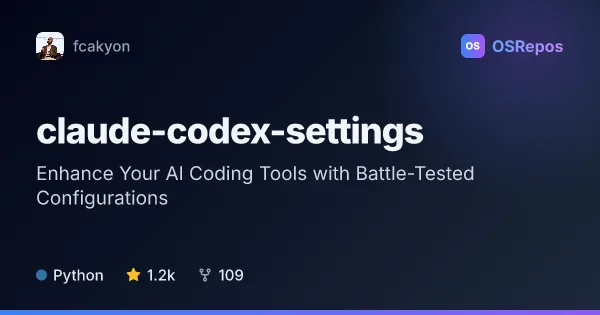
claude-codex-settings: Add Skills and Plugins to Coding Agents
A cross-tool collection of plugins, skills, hooks, and agent guidance for Claude Code, Codex, Cursor, and Gemini CLI. Use selected components to standardize coding workflows, review changes, or add domain-specific guidance.
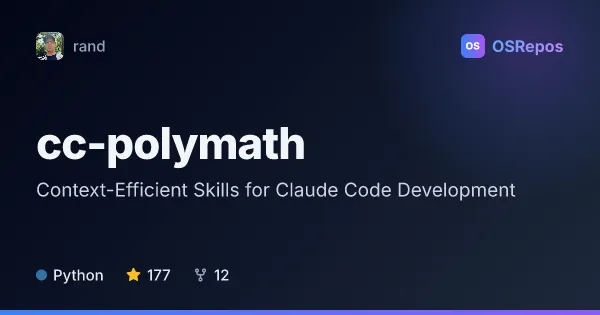
cc-polymath: Discover Context-Efficient Claude Code Skills
cc-polymath is a large catalog of focused development skills for Claude Code, organized for progressive discovery. It helps developers load relevant guidance on demand instead of filling the context window with a monolithic reference.
| claude-codex-settings | cc-polymath | |
|---|---|---|
| Language | Python | Python |
| License | Apache-2.0 | MIT |
| Stars | 1.2k | 177 |
| Forks | 109 | 12 |
| Last analyzed | Oct 3, 2026 | Oct 3, 2026 |
Key differences
- claude-codex-settings supports Claude Code, Codex, Cursor, and documented Gemini CLI plugin extensions; cc-polymath is focused on Claude Code.
- claude-codex-settings combines skills with plugins, hooks, commands, agents, and MCP-related configuration; cc-polymath emphasizes atomic skills, category indexes, and gateway-based discovery.
- claude-codex-settings includes workflow checks such as diff simplification and selected pre-write or pre-commit hooks; cc-polymath documents skill discovery, task planning, collaboration, and validation practices.
- claude-codex-settings is licensed under Apache-2.0, while cc-polymath is licensed under MIT.
- The supplied project data lists 1.2k stars and 109 forks for claude-codex-settings, compared with 177 stars and 12 forks for cc-polymath.
Choose claude-codex-settings if you…
- need reusable workflow additions across multiple coding-agent tools
- want to install selected plugins, hooks, or domain-specific skills
- need shared agent guidance or optional review and advisor workflows
Choose cc-polymath if you…
- want focused Claude Code skills that can be discovered and loaded progressively
- need reference guidance across areas such as infrastructure, AI, mathematics, or formal methods
- want examples of skill metadata validation and collection-development workflows
Compare the numbers side by side, or add more projects
This comparison is generated with AI from the OSRepos analyses of both projects. Always check each project's repository and documentation before choosing.