fern vs docs
API SDK and documentation generation compared with docs contribution
fern is a platform and CLI for generating SDKs and API documentation from API definitions. docs is the MDX source repository for Mintlify’s own documentation, with a local preview workflow; the projects serve different audiences and purposes.
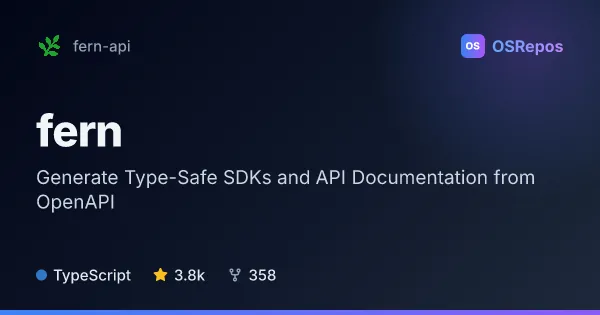
fern: Generate API SDKs and Documentation
Fern turns API definitions into SDKs and developer documentation through a command-line workflow. It suits teams that want to publish client libraries and API references from OpenAPI and other supported specifications.
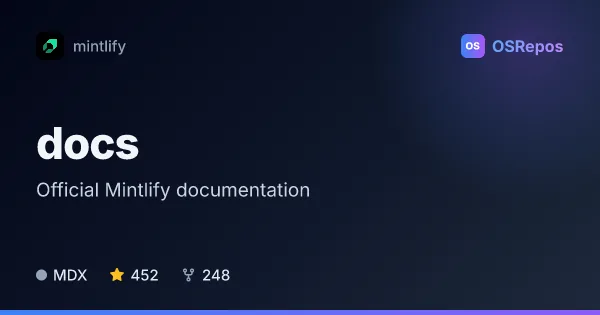
docs: Mintlify Documentation for Developers
The Mintlify docs repository contains the official documentation in MDX format. It is for contributors who want to update the docs and preview changes locally with the Mint CLI.
| fern | docs | |
|---|---|---|
| Language | TypeScript | MDX |
| License | Apache-2.0 | MIT |
| Stars | 3.8k | 452 |
| Forks | 358 | 248 |
| Last analyzed | Oct 3, 2026 | Oct 3, 2026 |
Key differences
- fern generates SDKs and API references from OpenAPI, AsyncAPI, Protobuf, and OpenRPC inputs, while docs contains Mintlify documentation written in MDX.
- fern provides a CLI for checking definitions and running generation; docs uses the Mint CLI to preview documentation changes locally.
- fern is aimed at teams publishing API client libraries and references, while docs is aimed at contributors updating Mintlify’s documentation.
- fern is written in TypeScript and uses the Apache-2.0 license; docs is written in MDX and uses the MIT license.
- fern has 3.8k stars and 358 forks; docs has 452 stars and 248 forks.
Choose fern if you…
- need to generate SDKs for multiple programming languages from API definitions.
- want to generate API references alongside SDKs.
- work with OpenAPI, AsyncAPI, Protobuf, or OpenRPC specifications.
Choose docs if you…
- want to update or review Mintlify’s official documentation.
- need an MDX-based documentation repository with local preview using the Mint CLI.
- want to follow Mintlify’s contribution and style guidance when editing docs.
Compare the numbers side by side, or add more projects
This comparison is generated with AI from the OSRepos analyses of both projects. Always check each project's repository and documentation before choosing.