hollama vs chat-ui
Browser-based LLM chat interfaces compared
hollama and chat-ui are web interfaces for chatting with models through compatible server APIs. hollama focuses on a lightweight browser client for Ollama and OpenAI servers, while chat-ui offers a configurable application with persistent data and optional tools.
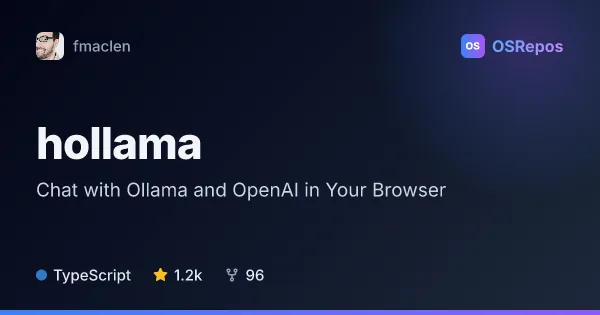
hollama: Chat with Ollama and OpenAI in Your Browser
Hollama is a browser-based chat interface for Ollama and OpenAI servers, with conversations and settings stored locally in your browser. It suits people who want a lightweight way to use text or vision models without a hosted chat account.
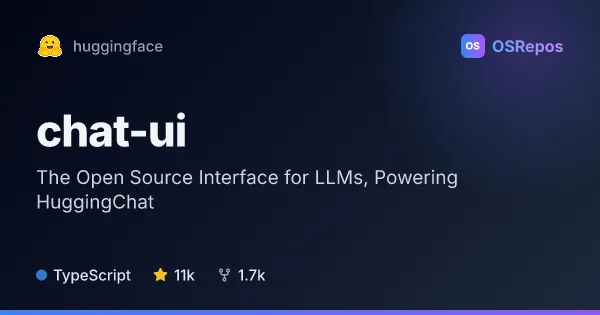
chat-ui: Build a Web Interface for OpenAI-Compatible LLMs
Chat UI is a SvelteKit application for chatting with models through OpenAI-compatible APIs. It powers HuggingChat and can be self-hosted with a compatible model service, optional MongoDB, and configurable tools.
| hollama | chat-ui | |
|---|---|---|
| Language | TypeScript | TypeScript |
| License | MIT | Apache-2.0 |
| Stars | 1.2k | 11k |
| Forks | 96 | 1.7k |
| Last analyzed | Oct 8, 2026 | Oct 3, 2026 |
Key differences
- hollama connects to Ollama and OpenAI servers; chat-ui connects to services exposing an OpenAI-compatible API and a `/models` endpoint.
- hollama stores app data in the browser and offers import and export; chat-ui uses MongoDB for chat history, users, settings, files, and stats.
- hollama includes features for editing and retrying messages, rendering code and math, and downloading Ollama models; chat-ui supports MCP servers, function calling, and optional model routing.
- hollama is licensed under MIT; chat-ui is licensed under Apache-2.0.
- hollama offers desktop downloads and self-hosting options; chat-ui is a SvelteKit application that can be self-hosted, with MongoDB required for persistent production data.
- The provided project facts list 1.2k stars for hollama and 11k for chat-ui.
Choose hollama if you…
- need a browser interface for Ollama or OpenAI servers with conversations stored locally.
- want to work with text or vision models and customize prompts or Ollama parameters.
- prefer features such as Markdown, code highlighting, math rendering, and browser-based data export.
Choose chat-ui if you…
- need a configurable SvelteKit chat application for an OpenAI-compatible API.
- want persistent application data in MongoDB and optional MCP tools or function calling.
- plan to provide a shared or branded chat experience, or explore Hugging Face ML Intern workflows.
Compare the numbers side by side, or add more projects
This comparison is generated with AI from the OSRepos analyses of both projects. Always check each project's repository and documentation before choosing.