hollama vs page-assist
Browser-based AI chat tools compared
hollama and page-assist provide browser interfaces for chatting with AI models through compatible providers. hollama focuses on conversations across Ollama and OpenAI servers, while page-assist adds an extension sidebar and questions about the webpage you are viewing.
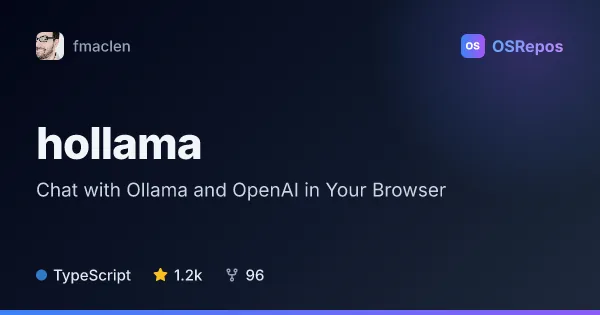
hollama: Chat with Ollama and OpenAI in Your Browser
Hollama is a browser-based chat interface for Ollama and OpenAI servers, with conversations and settings stored locally in your browser. It suits people who want a lightweight way to use text or vision models without a hosted chat account.
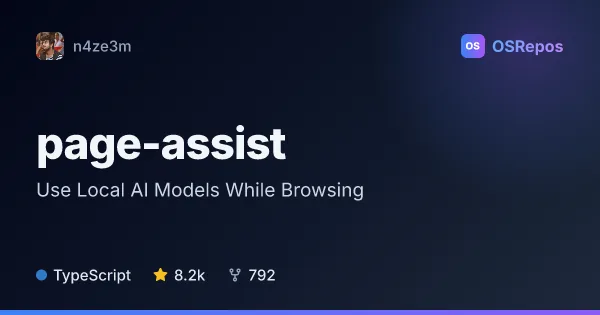
page-assist: Use Local AI Models While Browsing
Page Assist is a browser extension that brings local AI chat into a sidebar or web UI, including questions about the page you are viewing. It supports Ollama, Chrome AI, and OpenAI-compatible endpoints.
| hollama | page-assist | |
|---|---|---|
| Language | TypeScript | TypeScript |
| License | MIT | MIT |
| Stars | 1.2k | 8.2k |
| Forks | 96 | 792 |
| Last analyzed | Oct 8, 2026 | Oct 8, 2026 |
Key differences
- hollama connects to Ollama and OpenAI servers, including multiple servers; page-assist also supports Chrome AI and OpenAI-compatible endpoints such as LM Studio.
- page-assist can answer questions about the current webpage and open chat in a browser sidebar; hollama focuses on model conversations in its browser interface.
- hollama supports text and vision models, Markdown, code highlighting, and rendered math; page-assist emphasizes browsing alongside chat.
- page-assist lists support for several Chromium-based browsers and Firefox, with feature limitations in Opera and Arc; hollama is described as a responsive browser interface.
- Both store data in browser storage, but page-assist says it communicates with its server only when using the share feature, which can be disabled; hollama offers conversation import and export.
Choose hollama if you…
- want to switch between Ollama and OpenAI servers in one interface.
- need chat features such as rendered math, syntax-highlighted code, and message editing or retrying.
- want to import or export browser-stored conversations.
Choose page-assist if you…
- want to ask a model about the webpage you are viewing.
- prefer a browser extension sidebar as well as a separate web UI.
- want to connect through Ollama, Chrome AI, or an OpenAI-compatible endpoint such as LM Studio.
Compare the numbers side by side, or add more projects
This comparison is generated with AI from the OSRepos analyses of both projects. Always check each project's repository and documentation before choosing.