MoneyPrinter vs app.yumcut.com
Short-video creation tools compared
MoneyPrinter and app.yumcut.com both automate short-video production. MoneyPrinter centers on a topic-based workflow using locally run Ollama models and a queued backend, while app.yumcut.com offers a broader prompt-to-video web application with voice, visuals, captions, and provider choices.
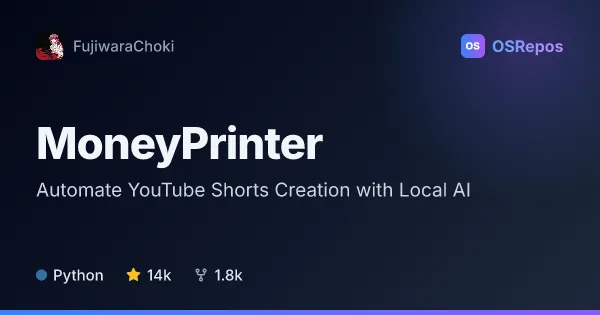
MoneyPrinter: Automate YouTube Shorts Creation
MoneyPrinter turns a video topic into a YouTube Short using locally run Ollama models for scripts and metadata. It suits creators who want a self-hosted, queued workflow and are comfortable configuring media tools and services.
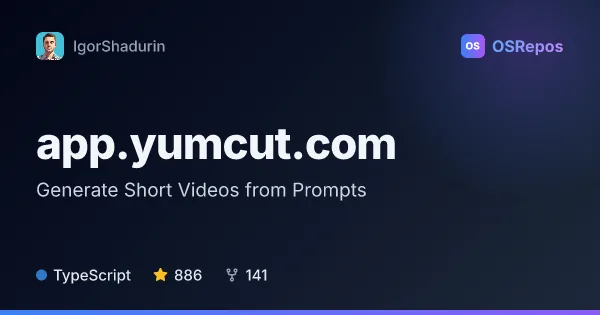
app.yumcut.com: Generate Short Videos from Prompts
YumCut turns a prompt into a vertical video with a script, voiceover, visuals, captions, and an export-ready edit. It is aimed at creators and teams that want to automate short-form production and control their hosting and provider choices.
| MoneyPrinter | app.yumcut.com | |
|---|---|---|
| Language | Python | TypeScript |
| License | MIT | — |
| Stars | 14k | 886 |
| Forks | 1.8k | 141 |
| Last analyzed | Oct 3, 2026 | Oct 7, 2026 |
Key differences
- MoneyPrinter generates scripts and metadata with local Ollama models; app.yumcut.com combines scripts, voiceover, visuals, and captions in its video workflow.
- MoneyPrinter focuses on YouTube Shorts; app.yumcut.com supports TikTok, YouTube Shorts, and Instagram Reels.
- MoneyPrinter uses Python and has an MIT license; app.yumcut.com uses TypeScript and its GitHub metadata reports NOASSERTION for the license.
- MoneyPrinter describes an API, worker, and Postgres-backed queue in Docker; app.yumcut.com offers a user API, batch rendering, and self-hosted deployment with provider choices.
- MoneyPrinter has 14k stars and 1.8k forks; app.yumcut.com has 887 stars and 141 forks.
- MoneyPrinter requires a local Ollama installation and model; app.yumcut.com requires choosing and configuring providers and a deployment setup for self-hosting.
Choose MoneyPrinter if you…
- want to generate Shorts scripts and metadata with locally run Ollama models.
- need a database-backed queue and API-worker workflow for generation jobs.
- prefer a Python project with an MIT license and are prepared to configure media tools.
Choose app.yumcut.com if you…
- need workflows for TikTok, YouTube Shorts, and Instagram Reels.
- want voiceover, visuals, captions, multiple-language versions, or batch rendering in one production workflow.
- need a user API for automating projects and want to choose providers or self-host the application.
Compare the numbers side by side, or add more projects
This comparison is generated with AI from the OSRepos analyses of both projects. Always check each project's repository and documentation before choosing.