awesome-copilot vs awesome-claude-code
Community resources for GitHub Copilot and Claude Code
awesome-copilot collects reusable customizations for GitHub Copilot, including agents, instructions, skills, and plugins. awesome-claude-code is a categorized directory of tools and learning resources for Claude Code and related coding agents, so it focuses on discovery rather than providing customization bundles.
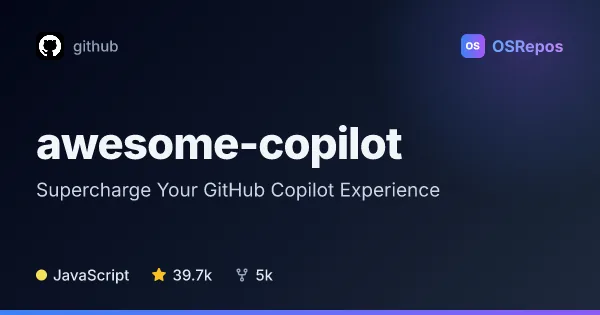
awesome-copilot: Customize GitHub Copilot with Community Resources
A community collection of custom agents, instructions, skills, hooks, workflows, and plugins for GitHub Copilot. Browse and search resources on the project website, or install plugins through the Copilot CLI.
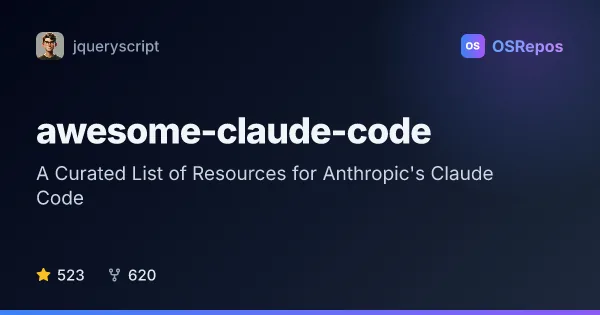
awesome-claude-code: Find Claude Code Tools and Resources
A curated directory of tools, skills, plugins, integrations, frameworks, and learning resources for Anthropic's Claude Code. Browse by category to find additions for development workflows or explore alternatives.
| awesome-copilot | awesome-claude-code | |
|---|---|---|
| Language | JavaScript | not specified. |
| License | MIT | CC0-1.0. |
| Stars | 39.7k | 523. |
| Forks | 5k | 620. |
| Last analyzed | Oct 3, 2026 | Oct 3, 2026 |
Key differences
- awesome-copilot provides contributed agents, file-pattern instructions, skills, and workflow plugins, while awesome-claude-code indexes links to independent tools and projects.
- awesome-copilot offers website search and filtering, a Learning Hub, and a cookbook; awesome-claude-code organizes its directory by category and includes contribution guidelines.
- awesome-copilot is written in JavaScript and uses the MIT license; awesome-claude-code uses the CC0-1.0 license.
- awesome-copilot’s resources target GitHub Copilot users, while awesome-claude-code covers Claude Code resources and some tools compatible with other coding agents.
- awesome-copilot has 39.7k stars and 5k forks; awesome-claude-code has 523 stars and 620 forks.
Choose awesome-copilot if you…
- want reusable Copilot agents, instructions, skills, or plugin bundles for workflows.
- need searchable Copilot resources, practical tutorials, or copy-paste-ready API recipes.
- plan to use the Copilot CLI or a supported Copilot environment to install plugins.
Choose awesome-claude-code if you…
- want to browse categorized Claude Code tools, skills, plugins, or integrations.
- need to compare options such as agent orchestration, IDE integrations, SDKs, or alternatives.
- want an index that includes both Claude Code-specific projects and resources for other coding agents.
Compare the numbers side by side, or add more projects
This comparison is generated with AI from the OSRepos analyses of both projects. Always check each project's repository and documentation before choosing.