hugo vs mkdocs
Static site generators for websites and documentation
hugo and mkdocs both turn source files into static sites that can be hosted as static content. hugo supports broader website publishing with templates, multilingual content, and asset processing, while mkdocs focuses on project documentation written in Markdown and configured with YAML.

hugo: Build Fast Static Websites
Hugo is a Go-based static site generator that turns content, templates, and assets into deployable websites. It suits teams building blogs, documentation, and multilingual sites that want fast local previews and a build without a database.
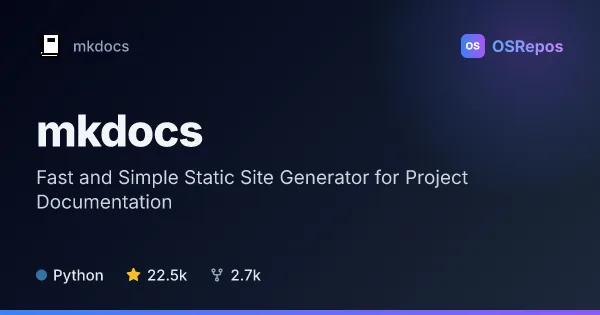
mkdocs: Build Project Documentation Sites from Markdown
MkDocs turns Markdown files into static documentation sites, configured with a YAML file. It suits teams and maintainers who want to publish versioned project guides without building a documentation system from scratch.
| hugo | mkdocs | |
|---|---|---|
| Language | Go | Python |
| License | Apache-2.0 | BSD-2-Clause |
| Stars | 90.1k | 22.5k |
| Forks | 8.4k | 2.7k |
| Last analyzed | Oct 12, 2026 | Oct 3, 2026 |
Key differences
- hugo is a Go-based generator for varied websites, while mkdocs is a Python-based generator focused on project documentation.
- hugo uses content, templates, and configuration; mkdocs builds HTML from Markdown files and uses a YAML configuration file.
- hugo includes multilingual support, taxonomies, and image and front-end asset processing; mkdocs provides plugins, Markdown extensions, and built-in or custom themes.
- hugo uses the Apache-2.0 license, while mkdocs uses the BSD-2-Clause license.
- hugo's considerations include edition-specific direct cloud deployment; mkdocs produces static files for hosting wherever static content is served.
Choose hugo if you…
- need to build multilingual sites or organize content with taxonomies.
- want templates and built-in image or front-end asset processing.
- plan to build a range of sites, such as blogs, landing pages, or documentation portals.
Choose mkdocs if you…
- want a focused workflow for project documentation written in Markdown.
- prefer to configure a documentation site with YAML.
- need themes, plugins, or Markdown extensions to adapt documentation.
Compare the numbers side by side, or add more projects
This comparison is generated with AI from the OSRepos analyses of both projects. Always check each project's repository and documentation before choosing.