tessera vs orca
Coding-agent workspaces compared
tessera and orca organize multiple coding-agent sessions around isolated Git worktrees and shared review workflows. tessera emphasizes session organization and Git tasks in a local workspace, while orca adds remote SSH worktrees, mobile monitoring, and integrations for task sources and design review.
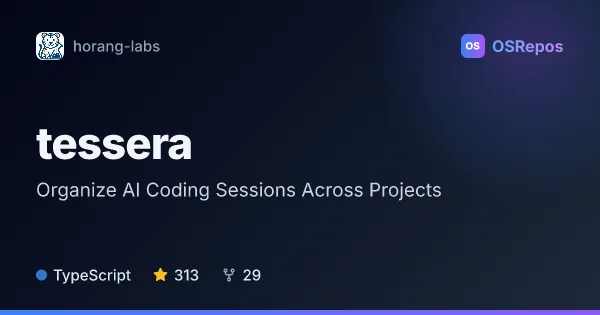
tessera: Organize AI Coding Sessions Across Projects
Tessera is a local workspace for coordinating Claude Code, Codex, and OpenCode sessions across projects. It brings parallel agent tasks, Git worktrees, session views, and Git workflows together for developers running coding agents on their own machines.
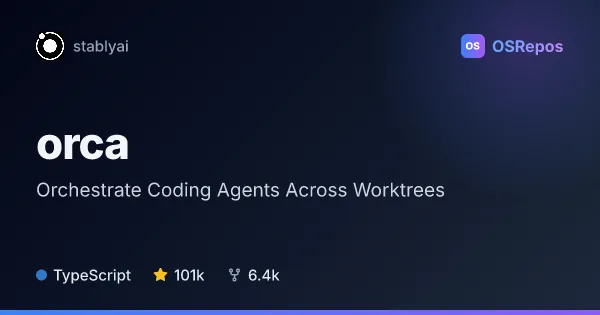
orca: Orchestrate Coding Agents Across Worktrees
Orca is a desktop and mobile workspace for running coding agents such as Codex, Claude Code, OpenCode, and Pi side by side. It isolates agents in Git worktrees and lets you monitor and steer them locally or over SSH on macOS, Windows, and Linux.
| tessera | orca | |
|---|---|---|
| Language | TypeScript | TypeScript |
| License | AGPL-3.0 | MIT |
| Stars | 313 | 101k |
| Forks | 29 | 6.4k |
| Last analyzed | Oct 14, 2026 | Oct 22, 2026 |
Key differences
- tessera brings Claude Code, Codex, and OpenCode sessions together with collections, persistent tabs, panes, and list or Kanban views; orca focuses on running CLI agents side by side in worktrees.
- tessera includes workspace Git actions such as committing, syncing, publishing branches, and opening pull requests; orca supports diff comments and feedback to agents.
- orca supports remote worktrees over SSH, including port forwarding and automatic reconnection; tessera describes local workflows and mobile access to a paired session.
- orca can browse GitHub and Linear tasks and open worktrees from them, and includes a Chromium Design Mode; tessera describes file and Git workflows and an agent-facing CLI.
- tessera is licensed under AGPL-3.0, while orca is licensed under MIT.
- Both are TypeScript projects and are not archived; the supplied figures list 310 stars for tessera and 84.4k for orca.
Choose tessera if you…
- want collections, persistent tabs, panes, and Kanban views for organizing sessions.
- need workspace Git actions, including commits, branch publishing, and pull requests.
- want an agent-facing CLI to coordinate sessions or remote access from a paired phone.
Choose orca if you…
- need SSH-based remote worktrees with port forwarding and automatic reconnection.
- want mobile monitoring and follow-ups, or line-level diff comments for agent feedback.
- want to browse GitHub and Linear tasks or share page elements and styles through Design Mode.
Compare the numbers side by side, or add more projects
This comparison is generated with AI from the OSRepos analyses of both projects. Always check each project's repository and documentation before choosing.