namviek vs kaneo
Self-hosted project management tools compared
namviek and kaneo help teams manage project work and can both be self-hosted. namviek focuses on core project management for small development teams, while kaneo offers multiple work views, customizable workflows, and a broader set of integrations.
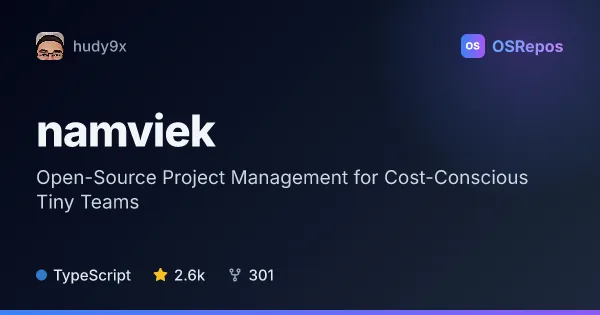
namviek: Manage Projects for Small Teams
Namviek is a self-hosted project management tool for small development teams seeking core planning features without per-seat subscription costs. It uses Next.js, Node.js, MongoDB, and Redis, with Docker setup and deployment guides available.
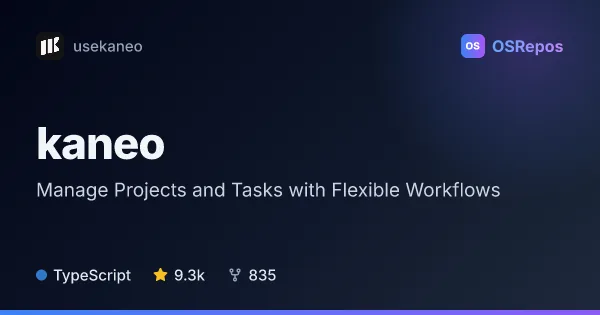
kaneo: Manage Projects, Tasks, and Team Workflows
Kaneo is a project management web app for teams that want board, list, calendar, and Gantt views alongside task discussions and integrations. It offers cloud access and self-hosting, with an active release history and a TypeScript codebase.
| namviek | kaneo | |
|---|---|---|
| Language | TypeScript | TypeScript |
| License | GPL-3.0 | MIT |
| Stars | 2.6k | 9.4k |
| Forks | 301 | 845 |
| Last analyzed | Oct 3, 2026 | Oct 6, 2026 |
Key differences
- namviek targets small development teams seeking core planning without per-seat software costs; kaneo supports varied team workflows and project tracking.
- kaneo includes board, list, calendar, and Gantt views, plus task details such as dependencies and time tracking; namviek's materials describe project management without listing comparable task features.
- namviek documents Docker setup and deployment options for Vercel and Render; kaneo offers self-hosted and cloud options, with setup details in its installation guide.
- namviek uses Next.js, Node.js, MongoDB, and Redis; kaneo is written in TypeScript and connects with GitHub, Gitea, chat tools, and notification services.
- namviek is licensed under GPL-3.0, while kaneo uses the MIT License.
- kaneo has more listed stars and forks than namviek: 9.3k stars and 835 forks compared with 2.6k stars and 301 forks.
Choose namviek if you…
- need a self-hosted project management tool aimed at small development teams.
- want to avoid per-seat software pricing and manage hosting costs directly.
- prefer documented Docker setup and deployment options that include Vercel or Render.
Choose kaneo if you…
- need multiple planning views, including calendars and Gantt charts.
- want task dependencies, time tracking, customizable workflows, and team collaboration features.
- plan to connect project workflows with GitHub or Gitea and use integrations such as webhooks or the REST API.
Compare the numbers side by side, or add more projects
This comparison is generated with AI from the OSRepos analyses of both projects. Always check each project's repository and documentation before choosing.