Wake vs opcode
Coding-agent session managers compared
Wake and opcode are desktop apps for finding and managing coding-agent sessions. Wake brings histories from multiple agents into a shared workspace, while opcode focuses on Claude Code projects, agents, and usage.
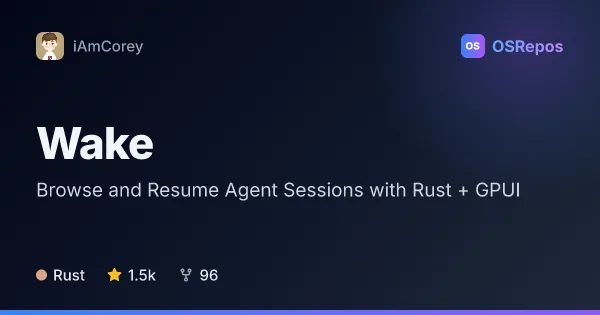
Wake: Browse and Resume Agent Sessions with Rust + GPUI
Wake is a native desktop app built with Rust and GPUI that gathers coding-agent sessions into one searchable place. It is macOS-first, with experimental Linux and Windows support, and can help you find, read, and resume past conversations.
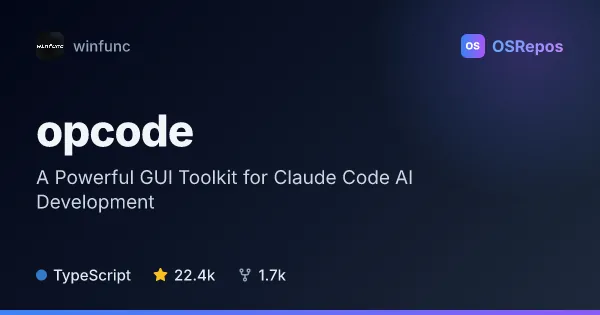
opcode: Manage Claude Code Sessions and Agents in a Desktop App
opcode is a Tauri desktop app for organizing Claude Code projects and sessions, creating custom agents, and reviewing usage. It suits developers who want a visual workspace alongside the Claude Code CLI.
| Wake | opcode | |
|---|---|---|
| Language | Rust | TypeScript |
| License | MIT | AGPL-3.0 |
| Stars | 1.5k | 22.4k |
| Forks | 96 | 1.7k |
| Last analyzed | Oct 18, 2026 | Oct 3, 2026 |
Key differences
- Wake indexes sessions from a wide range of coding agents; opcode is built around Claude Code.
- Wake uses Rust and GPUI; opcode uses React, TypeScript, and Tauri with a Rust backend.
- Wake is licensed under MIT; opcode is licensed under AGPL-3.0.
- Wake can search local session histories and mirror sessions from remote machines over SSH and rsync; opcode provides project and session management in a visual workspace alongside the Claude Code CLI.
- Wake is macOS-first, with experimental Linux and Windows support; opcode requires the Claude Code CLI to be installed and available on PATH.
- Wake’s considerations note a repository less than six months old with much of its code from one person; opcode’s README says release executables will be published soon, so building from source may be necessary.
Choose Wake if you…
- need one searchable view of session histories from multiple coding agents.
- want to resume past conversations in the relevant project and terminal.
- work across machines and want to browse mirrored session data.
Choose opcode if you…
- use Claude Code and want a visual workspace for its projects and sessions.
- want to create custom agents and review their execution history and logs.
- need usage analytics, MCP server configuration, or session checkpoints in a desktop app.
Compare the numbers side by side, or add more projects
This comparison is generated with AI from the OSRepos analyses of both projects. Always check each project's repository and documentation before choosing.