jan vs deepchat
Desktop AI assistants compared
jan and deepchat are cross-platform desktop apps for working with local and cloud AI models. jan focuses on model management, chat, and a local OpenAI-compatible API, while deepchat emphasizes agent sessions, tools, Skills, and remote session control.
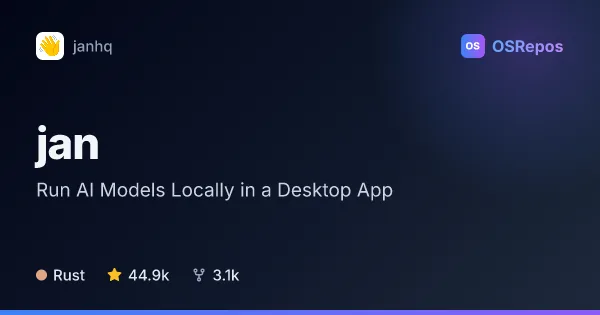
jan: Run AI Models Locally in a Desktop App
Jan is a desktop app for chatting with locally run language models, with optional connections to cloud AI providers. It suits people who want more control over where their conversations and models run, plus an OpenAI-compatible local API.
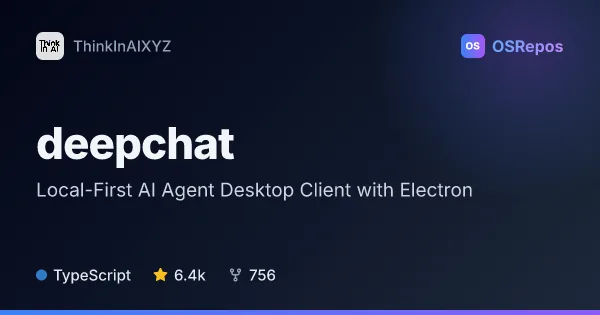
deepchat: Local-First AI Agent Desktop Client with Electron
DeepChat is a local-first AI agent desktop client built with Electron and Vue for Windows, macOS, and Linux. It brings model providers, agent tools, Skills, MCP, ACP agents, and remote messaging control into one app.
| jan | deepchat | |
|---|---|---|
| Language | Rust | TypeScript |
| License | — | Apache-2.0 |
| Stars | 44.9k | 6.4k |
| Forks | 3.1k | 756 |
| Last analyzed | Oct 9, 2026 | Oct 18, 2026 |
Key differences
- jan supports downloading models from Hugging Face and offers a local OpenAI-compatible API; deepchat connects to local models through Ollama.
- deepchat centers on inspectable, resumable agent sessions with MCP tools, reusable Skills, and compatible ACP agents; jan offers custom assistants and MCP integration.
- deepchat can control sessions through configured messaging channels such as Telegram, Discord, and Feishu/Lark; jan's listed integrations focus on local APIs and MCP.
- jan is written in Rust and has a NOASSERTION license; deepchat is written in TypeScript and uses Apache-2.0.
- jan has 44.8k stars and 3.1k forks, compared with deepchat's 6.4k stars and 747 forks. Both projects are unarchived.
Choose jan if you…
- want a desktop interface for downloading and running Hugging Face models.
- need a local OpenAI-compatible API for other applications.
- prefer custom assistants and the option to connect to cloud providers.
Choose deepchat if you…
- need to inspect and resume multi-step agent sessions.
- want reusable Skills, MCP tools, or compatible ACP agents in a desktop workspace.
- want to control configured sessions through supported messaging apps.
Compare the numbers side by side, or add more projects
This comparison is generated with AI from the OSRepos analyses of both projects. Always check each project's repository and documentation before choosing.