kaneo vs plane
Project and issue management tools compared
kaneo and plane both help teams organize project work, track issues, and choose between cloud and self-hosted use. kaneo emphasizes flexible task views and workflow customization, while plane adds structured planning with cycles, modules, Pages, and analytics.
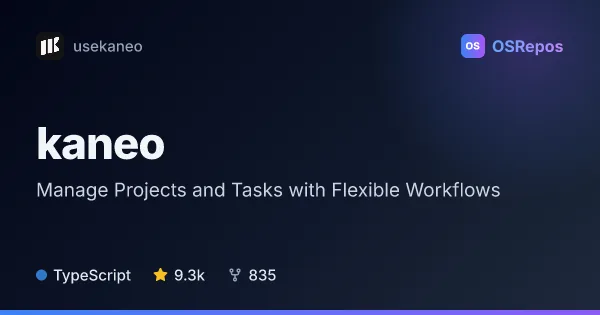
kaneo: Manage Projects, Tasks, and Team Workflows
Kaneo is a project management web app for teams that want board, list, calendar, and Gantt views alongside task discussions and integrations. It offers cloud access and self-hosting, with an active release history and a TypeScript codebase.
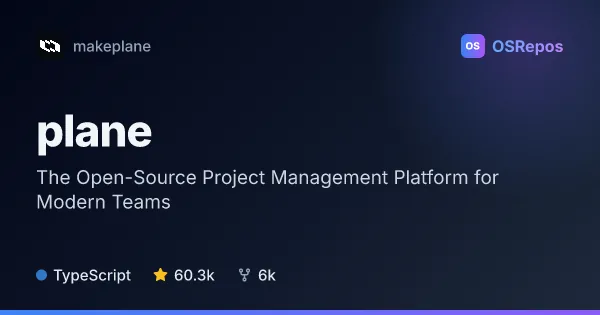
plane: Manage Projects, Issues, Cycles, and Roadmaps
Plane is a project management platform for teams that need to organize work items, plan cycles, coordinate modules, and track progress. Use it as a hosted service or self-host it for control over deployment and data.
| kaneo | plane | |
|---|---|---|
| Language | TypeScript | TypeScript |
| License | MIT | AGPL-3.0 |
| Stars | 9.4k | 60.3k |
| Forks | 845 | 6k |
| Last analyzed | Oct 6, 2026 | Oct 3, 2026 |
Key differences
- kaneo offers board, list, calendar, and Gantt views; plane focuses on issues, cycles, modules, saved views, Pages, and analytics.
- kaneo highlights workflow rules reacting to repository activity and integrations including GitHub and Gitea; plane highlights cycle burndown charts and turning notes into work items.
- kaneo is available under the MIT License; plane uses AGPL-3.0, which teams should review for their intended use.
- kaneo describes self-hosted and cloud options; plane also provides Docker Compose and Kubernetes deployment guides.
- The provided repository figures list 9.3k stars and 835 forks for kaneo, compared with 60.3k stars and 6k forks for plane.
Choose kaneo if you…
- need multiple task views, including calendar and Gantt, alongside boards and lists.
- want workflow customization and repository-linked rules, including GitHub or Gitea integrations.
- prefer a project listed under the MIT License.
Choose plane if you…
- need cycles, modules, Pages, or analytics as part of project planning.
- want deployment guidance for Docker Compose or Kubernetes.
- prefer an issue-planning platform listed under the AGPL-3.0 License.
Compare the numbers side by side, or add more projects
This comparison is generated with AI from the OSRepos analyses of both projects. Always check each project's repository and documentation before choosing.