kilocode vs vscode-copilot-chat
AI coding assistance in IDEs and VS Code compared
kilocode provides coding agents through VS Code, JetBrains IDEs, and a CLI, with options to switch among AI models. vscode-copilot-chat is the archived former home of GitHub Copilot Chat for VS Code; active development has moved to the main VS Code repository.
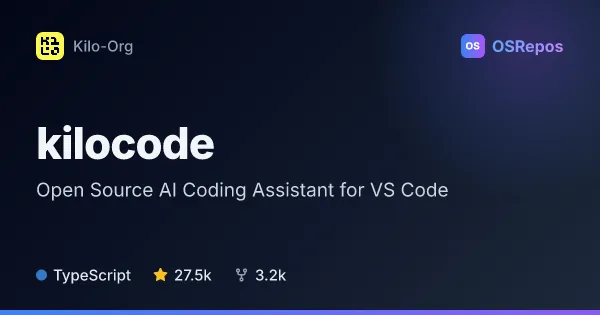
kilocode: Use AI Coding Agents Across IDEs and CLI
Kilo Code is an AI coding agent for VS Code, JetBrains IDEs, and the command line. It helps developers generate and review code, run tools, and choose among many AI models, with modes for planning, debugging, and codebase questions.
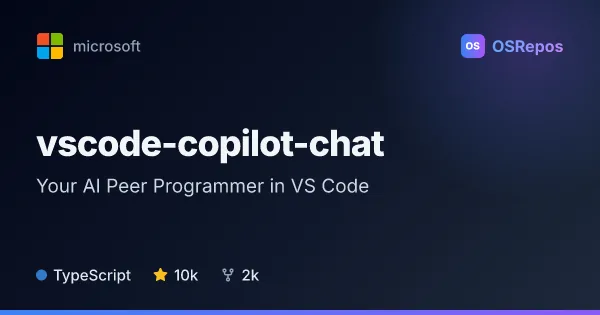
vscode-copilot-chat: AI Coding Assistance in VS Code
An archived Microsoft repository for GitHub Copilot Chat in Visual Studio Code, offering agent-based task execution, inline suggestions, and focused editing. Active development has moved to the main VS Code repository.
| kilocode | vscode-copilot-chat | |
|---|---|---|
| Language | TypeScript | TypeScript |
| License | MIT | MIT |
| Stars | 27.5k | 10k |
| Forks | 3.2k | 2k |
| Last analyzed | Oct 3, 2026 | Oct 3, 2026 |
Key differences
- kilocode supports VS Code, JetBrains IDEs, and the CLI, while vscode-copilot-chat focuses on Visual Studio Code.
- kilocode offers Code, Plan, Ask, and Debug agents and says it supports switching among 500+ models; vscode-copilot-chat provides Copilot agents, inline suggestions, and focused editing.
- kilocode includes an autonomous CLI mode for CI/CD, while vscode-copilot-chat describes cloud agents that can open pull requests.
- kilocode is an active repository; vscode-copilot-chat is archived, with new development and support directed to microsoft/vscode.
- Both projects are TypeScript and MIT-licensed, while their listed stars and forks differ: kilocode has 27.5k stars and 3.2k forks, and vscode-copilot-chat has 10k stars and 2k forks.
- kilocode access depends on available model providers and may involve provider pricing; vscode-copilot-chat requires an active GitHub Copilot subscription and collects usage data subject to VS Code's telemetry setting.
Choose kilocode if you…
- want AI coding assistance across VS Code, JetBrains IDEs, and the command line.
- need distinct planning, code, ask, or debugging agents and the option to switch models.
- want to run agent tasks in a trusted CI/CD environment using its autonomous CLI mode.
Choose vscode-copilot-chat if you…
- work primarily in VS Code and want Copilot inline suggestions or focused edits.
- want to consult the former Copilot Chat repository as a project reference.
- need current development or support and are prepared to use the main VS Code repository instead.
Compare the numbers side by side, or add more projects
This comparison is generated with AI from the OSRepos analyses of both projects. Always check each project's repository and documentation before choosing.