Kun vs Abu-Cowork
Local AI agent workspaces compared
Kun and Abu-Cowork are TypeScript desktop AI assistants that use agents to carry out practical tasks. Kun combines a desktop GUI and terminal TUI in a shared workspace for coding, writing, design, and collaboration, while Abu-Cowork focuses on desktop office tasks, integrations, and background workflows.
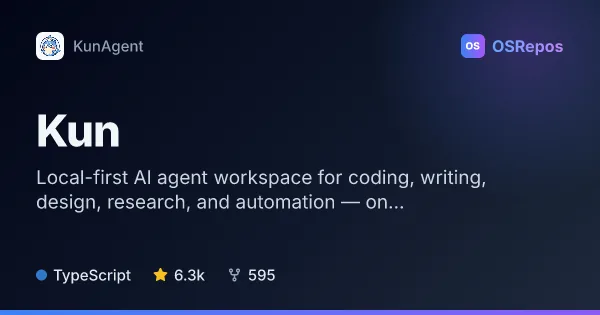
Kun: Local-First AI Agent Workspace
Kun is a local-first workspace for using AI agents across coding, writing, design, research, and automation. Its desktop GUI and terminal TUI share one runtime, keeping tasks and approvals connected.
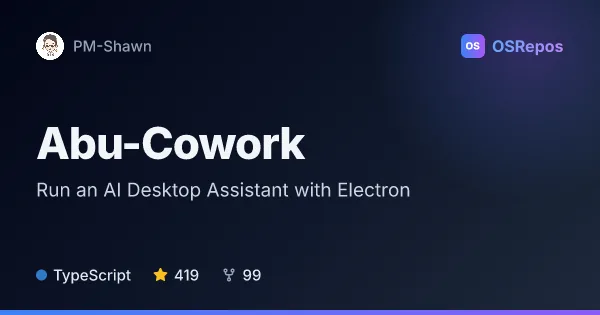
Abu-Cowork: Run an AI Desktop Assistant with Electron
Abu is an Electron desktop assistant inspired by Claude Code’s Cowork mode, built to plan and carry out file, command, and document tasks on your computer. It runs on macOS and Windows, using Anthropic- or OpenAI-compatible model APIs, including local Ollama models.
| Kun | Abu-Cowork | |
|---|---|---|
| Language | TypeScript | TypeScript |
| License | NOASSERTION | Apache-2.0 |
| Stars | 6.3k | 419 |
| Forks | 595 | 99 |
| Last analyzed | Oct 4, 2026 | Nov 4, 2026 |
Key differences
- Kun connects its desktop GUI and terminal TUI through one runtime; Abu-Cowork is described as an Electron desktop assistant for macOS and Windows.
- Kun covers coding, design, writing, research, and multi-agent collaboration; Abu-Cowork emphasizes file and document work, computer control, and office workflows.
- Kun offers Rooms with delegated work and Git worktrees; Abu-Cowork supports up to five parallel background agents and groups work into projects.
- Kun reports its license as NOASSERTION, while its README identifies PolyForm Noncommercial License 1.0.0; Abu-Cowork is licensed under Apache-2.0.
- Kun has 6.3k stars and 595 forks; Abu-Cowork has 419 stars and 99 forks.
- Kun notes that cloud model use sends prompts, attachments, and task context to the provider; Abu-Cowork describes platform-specific security boundaries, including no OS-enforced file-access sandbox on Windows.
Choose Kun if you…
- want a shared desktop and terminal workspace for agent tasks and approvals.
- need coding workflows that connect project context, edits, tests, diffs, and reviews.
- want design, writing, research, or team collaboration alongside coding in one workspace.
Choose Abu-Cowork if you…
- want a desktop assistant focused on files, commands, and office documents.
- need scheduled workflows, event triggers, browser automation, or supported team chat integrations.
- want to connect Anthropic or OpenAI-compatible APIs, Ollama models, or custom endpoints.
Compare the numbers side by side, or add more projects
This comparison is generated with AI from the OSRepos analyses of both projects. Always check each project's repository and documentation before choosing.