maka vs deepchat
Local AI agent workspaces and desktop clients compared
maka and deepchat are TypeScript, Apache-2.0 projects for working with AI agents and locally stored session data. maka centers on a shared runtime and append-only activity records across desktop and terminal interfaces, while deepchat is a cross-platform desktop client with provider, tool, agent, and messaging integrations.
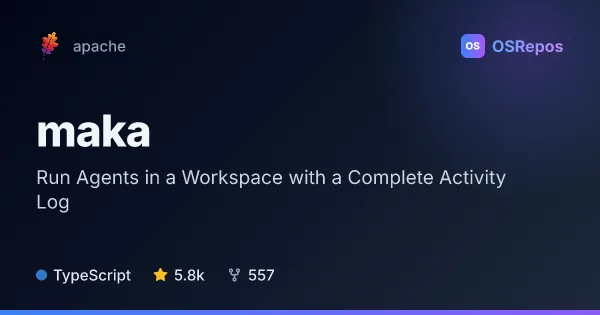
maka: Run Agents in a Workspace with a Complete Activity Log
Apache Maka is a TypeScript agent workspace for running tasks through a shared runtime and keeping a complete, append-only record of each run. Its Electron desktop app supports macOS, with Windows and Linux previews, and can connect to cloud or local models you provide.
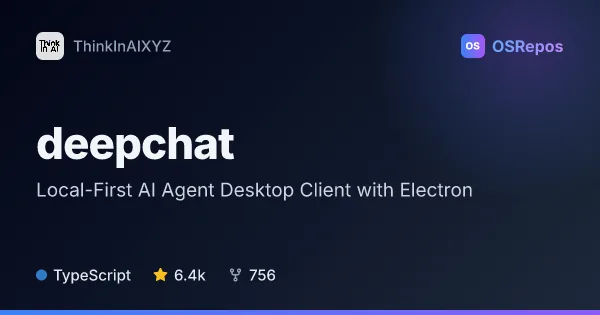
deepchat: Local-First AI Agent Desktop Client with Electron
DeepChat is a local-first AI agent desktop client built with Electron and Vue for Windows, macOS, and Linux. It brings model providers, agent tools, Skills, MCP, ACP agents, and remote messaging control into one app.
| maka | deepchat | |
|---|---|---|
| Language | TypeScript | TypeScript |
| License | Apache-2.0 | Apache-2.0 |
| Stars | 5.8k | 6.4k |
| Forks | 557 | 756 |
| Last analyzed | Oct 19, 2026 | Oct 18, 2026 |
Key differences
- maka uses one Runtime Host for its desktop app, TUI, CLI, and evaluation runs; deepchat is presented as an Electron and Vue desktop client.
- maka records model messages, tool calls, permission decisions, and turn endings as append-only RuntimeEvents; deepchat uses Tape history and offers request traces, model metadata, and token budgets.
- maka supports macOS, with Windows and Linux previews; deepchat lists Windows, macOS, and Linux as supported platforms.
- maka lets users connect a cloud API, local model, or compatible gateway; deepchat includes cloud and local Ollama models, custom provider formats, and ACP agent connections.
- deepchat adds Skills, MCP integrations, and remote session control through messaging apps; maka emphasizes shared runtime use, local run records, and evaluation tooling.
- Both use TypeScript and Apache-2.0. Maka is in incubation and warns that formats and capabilities may change; deepchat's latest listed release is a prerelease.
Choose maka if you…
- need a shared runtime across desktop, TUI, CLI, and evaluation runs.
- want append-only records of tool calls, permission decisions, and turn endings.
- prefer to keep sessions and run records on your machine while supplying your own model connection.
Choose deepchat if you…
- want a desktop app that combines cloud and local Ollama models with provider options.
- need Skills, MCP tools, or ACP agents as part of your workflow.
- want to control desktop sessions remotely through supported messaging apps.
Compare the numbers side by side, or add more projects
This comparison is generated with AI from the OSRepos analyses of both projects. Always check each project's repository and documentation before choosing.