ragtime vs rag-web-ui
Self-hosted RAG projects compared
ragtime and rag-web-ui both help you build self-hosted systems that answer questions using your own knowledge and language models. ragtime focuses on connecting knowledge and tools to LLM clients through an API and MCP server, while rag-web-ui centers on document-based Q&A through a web application and OpenAPI interface.
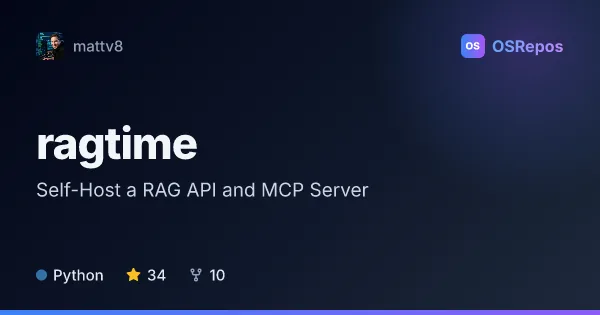
ragtime: Self-Host a RAG API and MCP Server
Ragtime connects local knowledge and tools to LLM clients through a self-hosted, OpenAI-compatible RAG API, MCP server, and built-in chat UI. It supports FAISS and PostgreSQL pgvector indexes, plus hosted and local model providers.
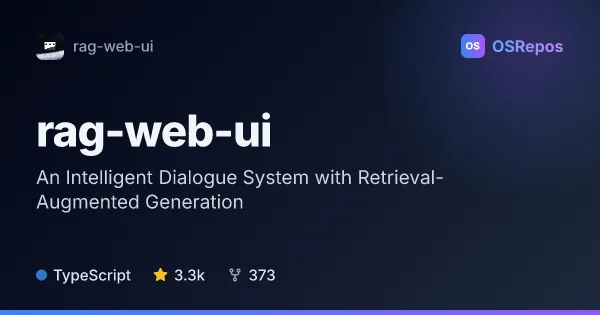
rag-web-ui: Build Knowledge-Base Q&A with RAG
RAG Web UI is a self-hostable web application for creating question-answering systems over your own documents. It combines document ingestion, vector search, and configurable cloud or local language models, with a web interface and OpenAPI access.
| ragtime | rag-web-ui | |
|---|---|---|
| Language | Python | TypeScript |
| License | MIT | Apache-2.0 |
| Stars | 34 | 3.3k |
| Forks | 10 | 373 |
| Last analyzed | Oct 16, 2026 | Oct 3, 2026 |
Key differences
- ragtime offers an OpenAI-compatible chat API, MCP tools, and a built-in chat UI; rag-web-ui focuses on document ingestion, retrieval, citations, and multi-turn chat.
- ragtime indexes uploads, Git repositories, and filesystems with FAISS or pgvector; rag-web-ui ingests PDF, DOCX, Markdown, and text documents and supports ChromaDB or Qdrant.
- ragtime supports hosted providers including OpenAI and Anthropic, plus local runtimes such as Ollama, llama.cpp, and LM Studio; rag-web-ui lists OpenAI, DeepSeek, and MiniMax, plus local models through Ollama.
- ragtime is written in Python and uses the MIT license; rag-web-ui is written in TypeScript and uses the Apache-2.0 license.
- ragtime describes workspaces, configured tools, and isolated runtime previews; rag-web-ui uses a separated frontend and backend with MinIO for object storage.
- ragtime is active but has a small, concentrated contributor base and a multi-service Docker Compose deployment; rag-web-ui is also under active development, but its README says it is not ready for production use and lists additional setup requirements.
Choose ragtime if you…
- need MCP tools or an OpenAI-compatible chat API for existing LLM clients.
- want to index repositories or filesystems alongside uploads, with FAISS or pgvector options.
- need workspace previews or safeguards for configured tool access.
Choose rag-web-ui if you…
- want a web application for document-based Q&A with citations and multi-turn chat.
- plan to prototype or evaluate a knowledge-base assistant rather than assume production readiness.
- prefer ChromaDB or Qdrant options and an OpenAPI interface for knowledge-base access.
Compare the numbers side by side, or add more projects
This comparison is generated with AI from the OSRepos analyses of both projects. Always check each project's repository and documentation before choosing.